
iSpring Cloud AI
Paid
Create scrollable online courses, quizzes, and AI-generated videos in a browser, then export to SCORM or xAPI for any LMS, with voiceovers in 50+ languages and instant sharing links.
About
iSpring Cloud AI is a browser-based course builder for education and training. You make scrollable, page-like lessons that work on any device.
You start with text, documents, or PowerPoint slides. You add quizzes, images, or video avatars. The AI helps write and design.
You export to SCORM or xAPI so your course runs inside an LMS. No install needed.
Open it if you need fast course creation without complex software. Skip it if you need deep branching scenarios or advanced gamification.
Who iSpring Cloud AI is best for
These are the people who get the most from it.
- Corporate trainers needing quick course creation: You build lessons in hours, not days. You avoid the steep learning curve of heavy authoring tools.
- Teams with mixed OS environments: You work on Windows or Mac without version conflicts. Everything stays in the browser.
- Organizations not ready for complex eLearning investments: You get SCORM-ready output without buying enterprise suites. The price stays predictable.
- Instructional designers needing rapid course assembly: You paste content and structure it fast. You spend time on substance, not wrestling with layouts.
- Teams requiring collaborative authoring: Multiple people edit the same course in real time. No more emailing files or tracking versions.
- Subject matter experts without eLearning expertise: You write what you know. The AI helps shape it into a course that looks professional.
Best things about iSpring Cloud AI
These are the parts that stick after you use it.
- Browser-based with no install: You open a link and start. You skip IT requests and update headaches.
- Real-time team collaboration: You see who is editing what. You finish faster without merge conflicts.
- AI assistant for content and design: You get stuck less. The AI suggests text and fixes layout problems you would not know how to solve.
- SCORM and xAPI export: You publish once. Your course runs in 160+ LMS platforms without reformatting.
- Cross-platform support: You switch between Windows and Mac machines. Your work looks the same everywhere.
How you use iSpring Cloud AI
The path from idea to published course is short.
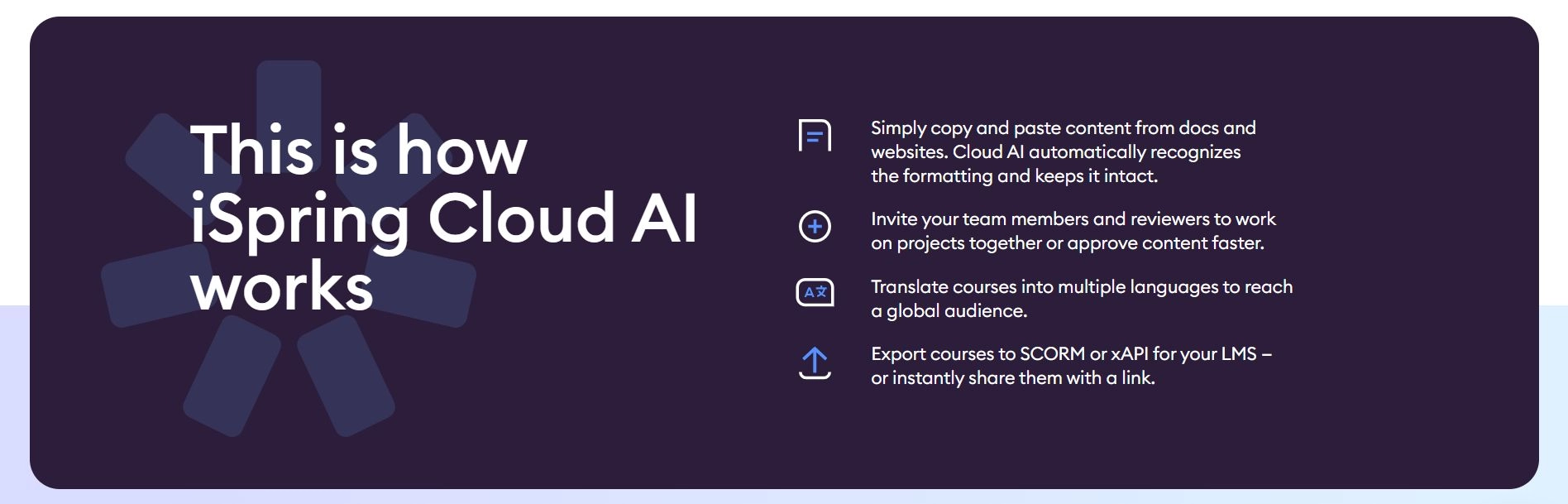
- Sign in and start a new project, or paste content from a document or web page.
- Organize into bite-sized chapters and add quizzes using the seven question templates.
- Use the AI to generate or polish text, create images, or add a voiceover.
- Invite teammates to review and comment directly on the content.
- Export to SCORM or xAPI and upload to your LMS.
Why you should ignore it
Skip it when these limits matter to you.
- Sparse public pricing details: You may need to contact sales to know your real cost. Budget planning takes extra steps.
- Unclear AI output quality: You cannot see sample AI writing before you buy. You test that part after you commit.
- Limited independent reviews: You have fewer peer reports to check. You rely more on vendor demos and your own trial.