
HyNote
Freemium
Record, transcribe, and summarize meetings and files across web, mobile, and desktop, then export notes to Google Docs, Notion, or PDF.
About
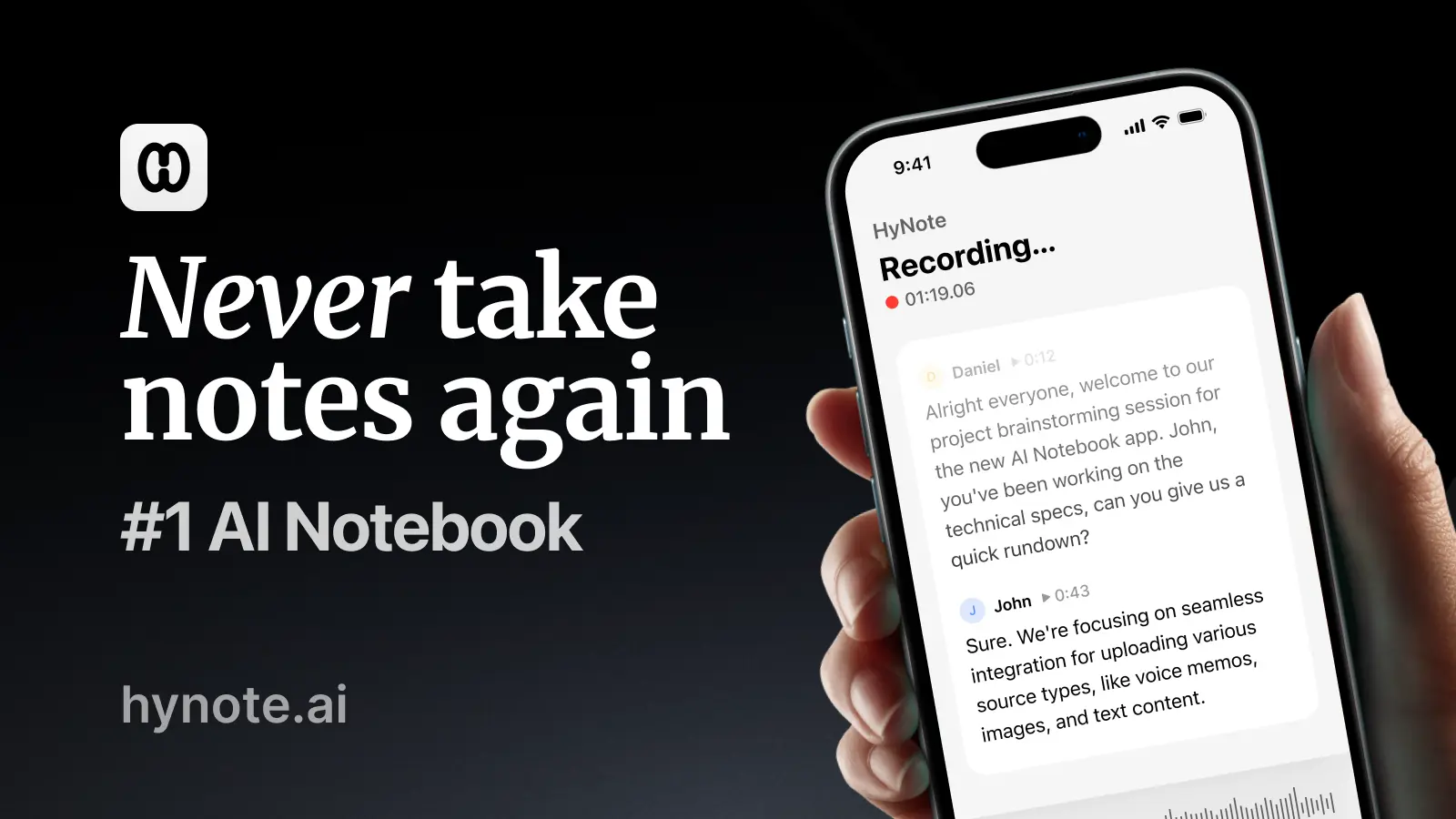
HyNote is a transcription and meeting notes app. It turns recordings, PDFs, videos, and web pages into notes you can search and edit.
You feed it audio files, YouTube links, meeting recordings, or documents. It spits out transcripts, summaries, key points, and action items.
It works on web, iOS, Android, iPad, Apple Watch, Chrome, and Mac. It is built for people drowning in content who need one place to dump it all.
Open it if you need to capture and search across many formats. Skip it if you want simple note-taking without the AI layer.
Who HyNote is best for
It helps most when you need to pull together scattered sources and find things later.
- Working pros with 5-20 meetings weekly who value clean exports: You get structured notes without copy-paste between apps. You stop losing track of what was decided.
- Regulated industries needing HIPAA compliance at consumer prices: You get enterprise-grade privacy without the enterprise bill. You stay compliant without a security team.
- Users wanting one tool for live audio + uploaded documents: You replace three separate apps. You stop juggling a recorder, a PDF reader, and a note app.
- Cross-platform users: You capture on Apple Watch, review on iPad, export to Google Docs. Your notes follow you across devices.
- Consultants handling many client calls: You merge multiple meetings on one topic. You build a searchable history per client.
- Students working from lecture recordings: You record instead of frantic typing. You generate flashcards and practice quizzes from the same source.
- Researchers processing interview recordings: You search across dozens of transcripts. You find quotes without relistening.
- Content creators extracting material from video sources: You pull key points from YouTube without transcribing by hand. You repurpose faster.
- Users prioritizing privacy in meeting transcription: No bot joins your Zoom call. Your employer never sees a stranger dial in.
- Anyone tired of copying between recorder, note app, and project management tool: You cut the weekly ritual of export, format, paste. You get evenings back.
Best things about HyNote
These are the parts you notice after a few tries.
- No meeting bot required: The Chrome extension auto-detects your calls. You skip the awkward "waiting for bot" moment and dodgy firewall issues.
- HIPAA/GDPR/CCPA compliance at consumer pricing: You get credentials that usually cost thousands. You take regulated work without the compliance headache.
- Chat with all your notes: You ask questions across your entire captured library. You find that one insight from a meeting six months ago.
- Rich template library: You pick from 30+ structures—flashcards, SWOT, case studies, study plans. You stop staring at a blank page.
- Merge meetings on one topic: You combine a series of calls into a single narrative. You see the arc instead of scattered fragments.
- Usable free tier: You get real features without a credit card. You test before you pay.
Why you should ignore it
Skip it when the fit is wrong.
- Real-time transcription is paywalled: Live captions and speaker ID require Plus tier at $129.99/year. You must pay to get core meeting features.
- Session caps bite heavy users: Pro tier limits uploads to 60 minutes. Standard lectures and workshops get cut off mid-file.
- Billing problems are real: Multiple users report refund requests ignored for months. Premium subscribers hit "temporary issue" errors blocking uploads for hours.
- iPad support is broken: Developers admit iPad support is inferior. You get a worse experience on a device you already own.
- AI credits run out: Heavy generative use hits ceilings on lower tiers. You pay more or wait until next month.
- You cannot edit transcript words: Mistakes stick. You work around errors instead of fixing them.