
Hexowatch
Paid
Monitor any website for visual, content, code, technology, availability, or price changes and receive automated alerts with archived snapshots for comparison.
About
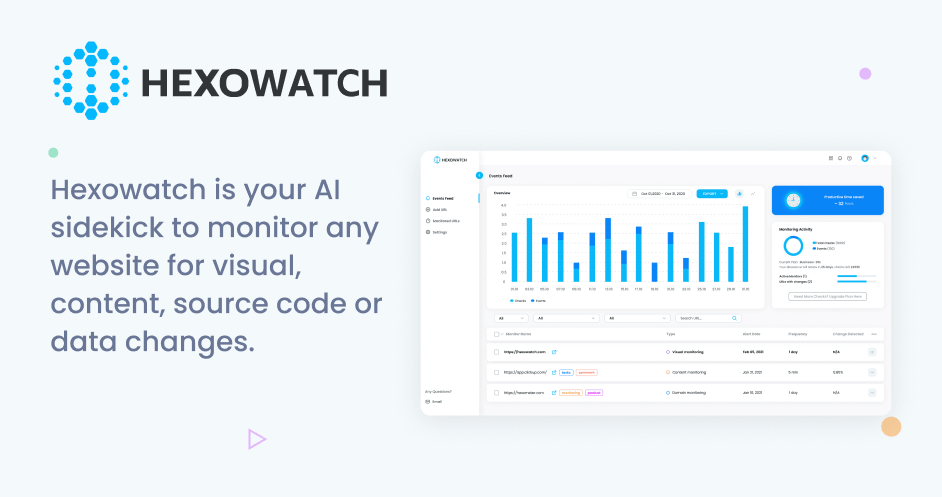
Hexowatch is a website change monitoring platform. It sits in the SEO category of tools.
You give it URLs. It watches for changes and sends alerts. It tracks visual changes, content edits, price shifts, code changes, and more.
The paid plans start around $24 monthly when billed yearly. That gets you thousands of checks per month.
Open it if you need to track many sites without manual checking. Skip it if you only need to watch one or two pages.
Who Hexowatch is best for
It helps most when you juggle multiple sites or competitors.
- Marketing agencies managing multiple client sites: You watch several sites at once. You get one dashboard instead of bookmarks and spreadsheets.
- SEO specialists tracking competitor changes and backlink profiles: You see when links disappear or pages shift. You react faster than manual checks allow.
- E-commerce operators monitoring competitor pricing and stock: You catch price drops or availability changes. You adjust your own listings in time.
- Domain flippers tracking WHOIS and expiration dates: You spot expirations or ownership changes early. You grab domains before others notice.
- Teams wanting Slack or Zapier integrated alerts: You get pings where you already work. You do not need to log into another app.
- Affiliate managers monitoring compliance wording: You catch when partners change terms text. You protect your commissions.
- Development teams needing code change alerts: You spot unauthorized edits fast. You roll back before problems spread.
- Non-technical users prioritizing breadth over selector writing: You set up monitors without code. You trade some precision for speed.
Best things about Hexowatch
These are the parts you notice after using it.
- Thirteen distinct monitoring types: You get visual, content, price, technology stack, backlink, and more. You do not need separate tools for each job.
- Side-by-side comparison screenshots: You see exactly what changed. You do not guess from text alerts.
- Technology stack and WHOIS monitoring: You spot when competitors switch analytics tools or domains shift hands. These are hard to find elsewhere at this price.
- Configurable check frequency and sensitivity: You dial checks from weekly to every few minutes. You control alert noise.
- No proxies or programming needed: You paste a URL and pick options. You start monitoring in minutes.
- Archived snapshots: You keep proof of past states. You have backup if disputes arise.
Why you should ignore it
Skip it when these limits block your work.
- Credit model makes costs unpredictable: Different monitor types burn credits at different rates. You can hit limits faster than expected.
- High-frequency monitoring gets expensive: Checking many pages often drains your monthly pool. You may need to upgrade mid-cycle.
- Cannot edit monitors after creation: You must delete and rebuild to change settings. You lose your history each time.
- Free plan is very limited: Twelve-hour minimum frequency and low check counts. You cannot run a serious operation on it.
- Documentation gaps: Some integrations have outdated or AI-generated help. You may need to figure things out yourself.