
HARPA AI
Freemium
Access multiple AI models from a browser extension to summarize content, draft emails, monitor websites, extract data, and automate web tasks with shortcuts and integrations.
About
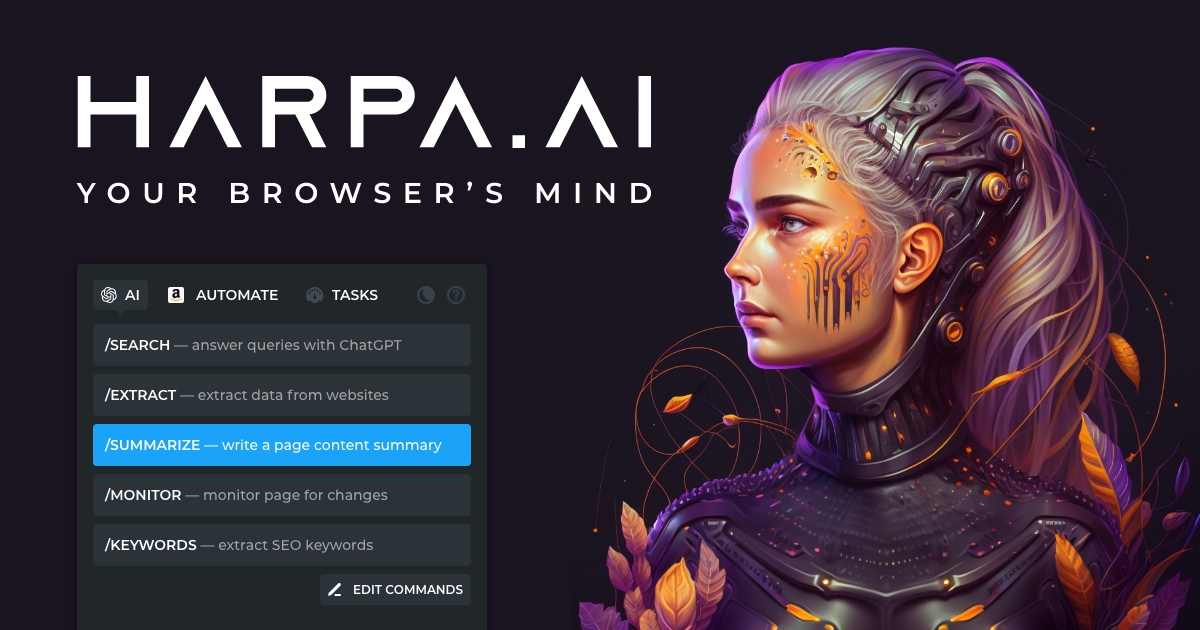
HARPA AI is a Chrome and Edge extension that puts AI inside your browser. It reads the page you are on and helps you act on it.
You can chat, summarize, extract data, or set up automations that run while you do other work. It connects to GPT, Claude, Gemini, and other models.
It sits in AI Agents, the space of tools that combine AI with action. It is not for casual chat. It is for people who want the AI to do something with the web.
Open it if you need browser automation and page-aware AI. Skip it if you want a simple chat window or use Firefox, Safari, or mobile.
Who HARPA AI is best for
It fits when your work lives in the browser and repeats.
- Professionals with repetitive browser research: You stop copying and pasting between tabs. The AI reads the page you are already on.
- Content creators who research, summarize, and draft: You move from reading to writing without leaving your flow.
- Data analysts monitoring competitors: You set up watches and scraping without writing code.
- Privacy-conscious users: Your chats stay local. You choose when data leaves your device.
- Small business owners tracking prices: You get alerts when competitor pages change or prices drop.
- Content marketers doing SEO research: You extract keywords and audit pages from the sidebar.
- Sales professionals on LinkedIn: You draft messages that match the thread you are reading.
- Researchers summarizing dense content: You turn long articles and PDFs into short notes fast.
- E-commerce operators tracking competitors: You watch prices and inventory across sites automatically.
- Power users learning automation: You build custom commands once, then run them on any page.
Best things about HARPA AI
These are the parts that stick after you use it.
- Page-aware chat: You ask about the article or video in front of you. It knows the context without you pasting anything.
- Multiple AI models in one place: You switch between GPT, Claude, Gemini, Grok, and DeepSeek from the same sidebar.
- Price monitoring and page alerts: You set a watch once. It checks in the background and tells you when something changes.
- Custom commands without code: You build your own workflows with a visual editor. You save them and run them on any site.
- Local-only chat storage: Your conversations stay on your device. You control what gets sent to outside servers.
How you use HARPA AI
Getting started is quick.
- Install from the Chrome Web Store and pin the extension.
- Press Alt+A to open the sidebar on any page.
- Connect your AI: use your own API key, web session, or the paid CloudGPT tier.
- Pick a pre-built command or type what you want to do with the page.
- Set up monitors or automations from the same panel if you need ongoing checks.
Why you should ignore it
Skip it when these limits hit your needs.
- Chrome and Edge only: It does not run on Firefox, Safari, or mobile browsers. You are out if that is your setup.
- Learning curve for automation: The 100+ commands and custom builder take time. You will not master it in an afternoon.
- Limited free tier: Heavy use pushes you to paid plans quickly. The free demo is for testing, not daily work.
- Reliability varies by site: Complex JavaScript pages trip it up. You check scraped data more than you expect.
- No cross-device sync: Local storage keeps data private, but you do not pick up where you left off on another machine.