
Grammarly
Freemium
Check grammar, adjust tone, and generate text with AI assistance across browser extensions, desktop apps, and mobile devices while writing in your existing tools.
About
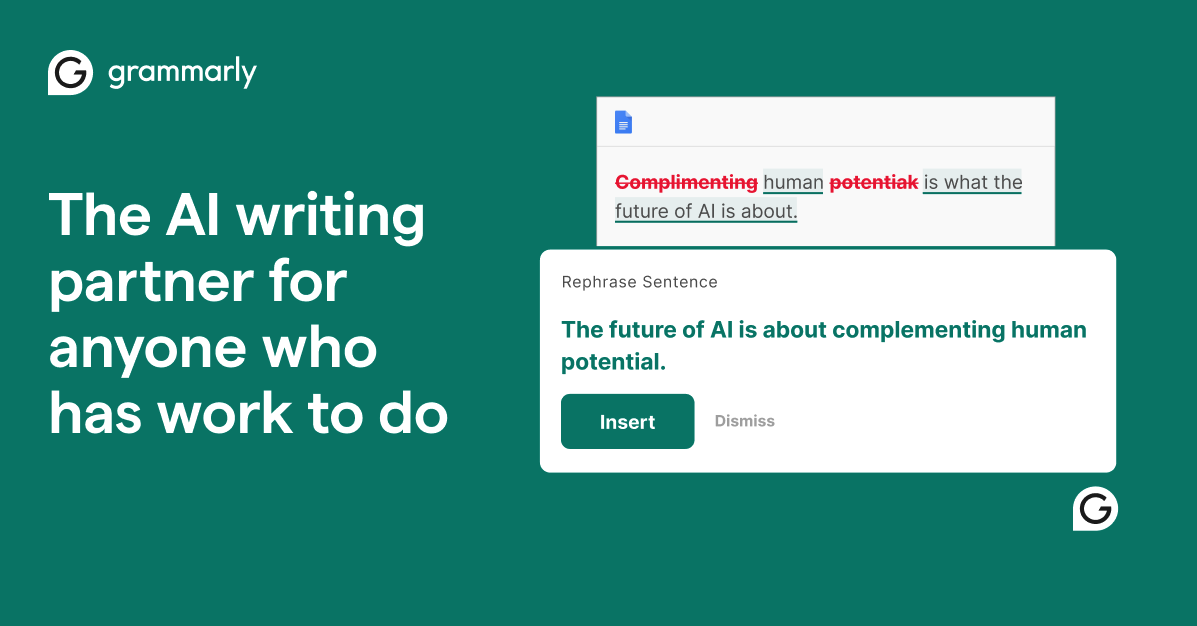
Grammarly is a writing assistant that sits in the background while you work. It flags grammar, spelling, and clarity issues as you type. It also offers a humanizer and AI detector, though those are weaker than the core grammar tools.
You install it as a browser extension, desktop app, or mobile keyboard. It works in Gmail, Google Docs, Word, LinkedIn, and most places you write. The free version handles basic errors. The paid version adds tone adjustments, rewrites, and plagiarism checks.
It belongs to the writing and copywriting category. It is built for polishing, not creating from scratch.
Open it if you want cleaner writing without changing apps. Skip it if you need a tool to write first drafts for you, or if you need accurate AI detection you can trust.
Who Grammarly is best for
These are the people who get the most from it.
- Casual checks while editing: You notice mistakes you skimmed past. You fix them without breaking your flow.
- Final polish on any writing: You run it as a last pass before sending. It catches what your eyes no longer see.
- Users who want grammar checking integrated across workflows: You do not want to copy and paste into another tool. It follows you app to app.
- Non-native English speakers: You want to write clear, professional English. The explanations help you learn as you go.
- Students who need plagiarism checking: You write papers and need to verify originality. The Pro version scans academic databases.
- Professionals polishing emails and LinkedIn posts: You send dozens of messages daily. It keeps them clean without extra steps.
- People doing final cleanup passes on drafts: You treat it as a filter, not a rulebook. You pick what helps and skip the rest.
- Users who treat it as filter not rulebook: You value your own judgment. You use it to spot what you missed, then decide.
- Bloggers and marketers producing high content volumes: You generate a lot of copy. It keeps the basics tight without slowing you down.
- Authors working with ghostwriters: You need to verify the text is original. The plagiarism checker spots what you cannot see.
Best things about Grammarly
These are the parts you keep using.
- Real-time corrections across apps: It works while you type in Gmail, Google Docs, and Word. You do not stop to run a check.
- Catches errors you become blind to: After staring at a draft, you miss extra spaces and clunky sentences. It still sees them.
- Explanations that teach: It tells you why something is flagged. You learn the rule, not just the fix.
- Tone detection: It nudges you when you sound too casual or too stiff. You adjust before you hit send.
- Cross-platform sync: You start in Chrome, finish in the desktop app. Your settings and dictionary follow you.
- Free tier that actually helps: Basic grammar, spelling, and punctuation are free. You get real value before paying.
How you use Grammarly
The setup is quick.
- Install the browser extension or download the desktop app.
- Write as normal in your usual tools.
- Watch for underlines and click suggestions you agree with.
- Run a final pass before publishing or sending.
- Use the humanizer or plagiarism checker only if you have Pro.
Why you should ignore it
Skip it when these limits matter to you.
- AI detection is weak: It missed 99 percent AI content in head-to-head tests. scored zero on hybrid samples. Do not trust it for serious verification.
- Humanizer fails detector tests: Three of four detectors caught its output. Its own AI checker flagged its own humanizer. It polishes, it does not disguise.
- It cannot write first drafts: Its AI writing is weaker than Claude or ChatGPT. Use those to generate, then use Grammarly to clean.
- Tone suggestions flatten voice: It pushes toward generic. Creative writers often reject its advice.
- Paid plans add up: Monthly billing costs roughly double the annual rate. The best features sit behind a paywall.