
Grammarly
Freemium
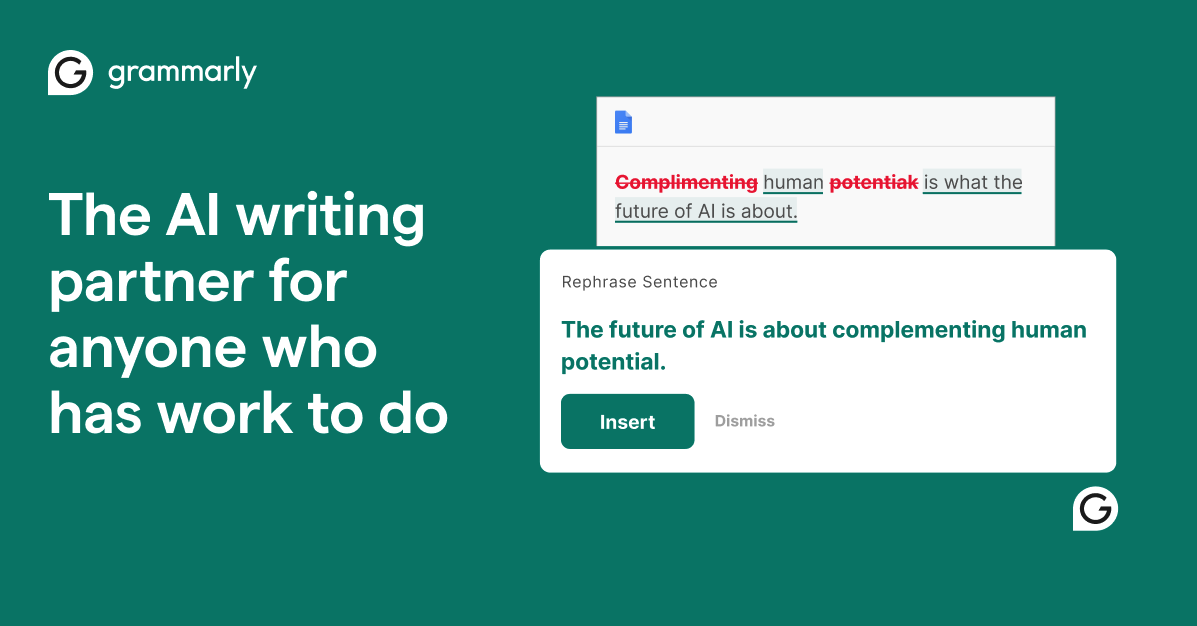
Write and edit with AI assistance that checks grammar, suggests rewrites, adjusts tone, and generates text across browsers, apps, and devices.
About
Grammarly is a writing assistance platform that checks grammar, fixes tone, and helps polish copy. It works inside your browser, in Google Docs, Gmail, Word, and across mobile apps.
You keep it running in the background. It flags errors as you type. You accept or ignore each suggestion.
It sits in the Writing & Copywriting space. It does not replace a real editor. It catches mistakes you stop seeing after staring at your own words too long.
Open it if you need clean copy fast and already work in its ecosystem. Skip it if you need serious AI detection or heavy content generation.
Who Grammarly is best for
These are the people who get the most from it.
- Everyday writers in Gmail and Google Docs: You catch typos before you send. You look more polished without extra work.
- Students with papers and assignments: You get plagiarism checking and citation help. You stay transparent about AI use.
- Professionals polishing emails and LinkedIn posts: You tune tone for different audiences. You send faster with fewer second guesses.
- Bloggers and marketers with high output: You run a final cleanup pass on drafts. You keep quality up without slowing down.
- Non-native English speakers: You write clearer, more professional English. You learn from the explanations, not just the fixes.
- People who work across many platforms: You get the same checks in your browser, desktop apps, and phone. You do not relearn a new tool for each place you write.
- Writers who want fewer mistakes without changing workflow: You treat it as a filter, not a rulebook. You keep your own judgment.
Best things about Grammarly
These are the parts that keep you coming back.
- Real-time grammar and punctuation fixes: It catches errors you miss after multiple edits. You fix them as you go instead of hunting later.
- Cross-platform browser extension: It works in Chrome, Google Docs, Gmail, and WordPress. You do not paste text into a separate window.
- Clarity suggestions without forced rewrites: It flags awkward phrasing. You decide if you want to change it or keep your voice.
- Custom voice training in Pro: You upload your own writing samples. It learns your patterns and stops suggesting generic fixes.
- Plagiarism checker on paid plans: You scan against 16 billion web pages and academic databases. You verify work from ghostwriters or research sources.
Why you should ignore it
These limits matter for some jobs.
- Unreliable AI detection: It missed 99% AI content in one test and scored fully AI text at only 49%. Do not trust it for serious verification.
- Not a content generator: It rewrites and polishes. It does not create from scratch like Claude or ChatGPT.
- Tone suggestions miss context: It pushes toward bland, professional tone. It flattens voice in creative or informal writing.
- Paid features add up: Pro costs ~$12-30/month. The free version is basic. You pay for plagiarism checks and voice training.
- No direct Scrivener integration: Novelists and long-form writers need workarounds. Desktop apps help, but the flow is clunkier.