
Google Workspace
Free
Run business email, cloud storage, video meetings, and AI-assisted documents through a browser-based platform, with pooled storage and no-code app building options.
About
Google Workspace is a cloud-based productivity and collaboration platform that gives your team shared email, file storage, documents, and meetings in one place. You get Gmail on your own domain, Google Drive for pooled storage, Docs and Sheets for real-time editing, and Meet for video calls.
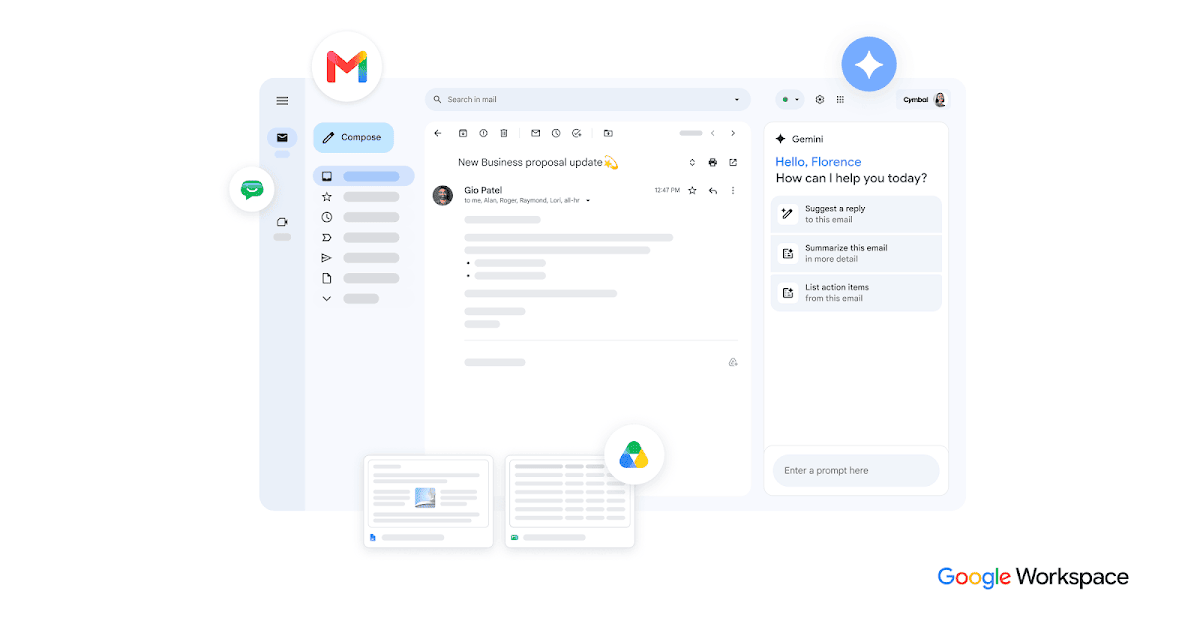
The platform includes Gemini AI across email, documents, and meetings without buying separate AI seats. Everything runs in your browser, with no software to install.
It is built for teams that work together live rather than working alone on heavy files.
Open it if your team lives in browsers and needs to edit together in real time. Skip it if you need desktop-grade spreadsheets or build complex automation.
Who Google Workspace is best for
These teams get the most from it.
- Teams under 300 users living in browsers: You skip IT headaches. Everyone logs in and starts working on any device.
- Groups that edit together live: You see three people typing in one paragraph without breaking. Version conflicts go away.
- Companies replacing scattered tools: You move email, file server, and Zoom into one bill. No more separate passwords.
- Teams that want AI bundled in: You get Gemini in Gmail, Docs, and Meet without paying extra per person. No add-on math.
- Remote teams on mixed devices: You work on Mac, PC, Chromebook, or phone without thinking about compatibility.
- Solopreneurs needing cheap custom email: You look professional for $7 a month with your own domain.
- Nonprofits and schools: You may qualify for free tiers. Paid users get pooled storage that stretches further.
- Teams swapping files with Microsoft users: You open Word and Excel files without buying Office. Some formatting drops, but the content comes through.
Best things about Google Workspace
These are the parts you notice after daily use.
- Real-time co-editing that actually works: Multiple people type in the same doc without stepping on each other. You stop emailing versions back and forth.
- Everything talks to everything: You click from Gmail to Calendar to Drive to Meet without logging in again. Context stays with you.
- Gemini AI included in every paid plan: You get thread summaries, doc drafts, and spreadsheet formulas without a separate AI subscription. It pulls from your actual files and emails.
- Pooled storage: Your team shares 2TB or 5TB total instead of hitting individual caps. Heavy users borrow from light users.
- Search that finds what you meant: You type "contract from last Tuesday" and Gmail or Drive surfaces it. OCR reads images and PDFs.
Why you should ignore it
Skip it when these limits block your work.
- Heavy spreadsheet work: Sheets hits a 10 million cell cap and lacks Power Query or VBA. You hit the ceiling on complex models.
- Forced AI pricing: Google bundled Gemini into all paid plans in 2025 and raised rates. You cannot opt out to save money.
- Offline reliability: You must set up Chrome offline mode in advance. Calendar editing and some sync still fail without internet.
- Support quality gaps: Billing issues often drag on. Lower-tier plans get slower help than Enterprise.
- 300-user ceiling on Business plans: You hit a wall and must negotiate Enterprise pricing. No smooth scaling path.