
GitHub Copilot
Freemium
Code, review, and merge with AI agents across your editor, terminal, and GitHub, managing autonomous tasks from a centralized workspace.
About
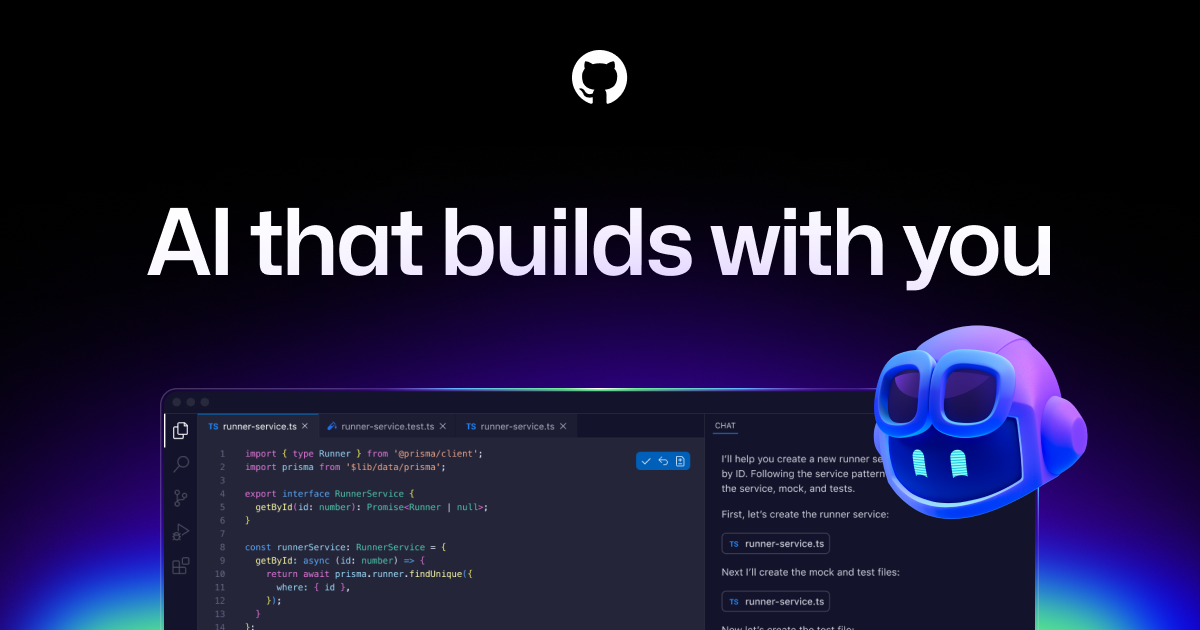
GitHub Copilot is a coding assistant that suggests code as you type. It fits in IDEs like VS Code, JetBrains, and Neovim, and now handles pull request reviews in GitHub.
You get inline completions, a chat panel for questions, and agents that can edit multiple files or review your PRs. It works best for common languages like Python and JavaScript, and for tasks that follow clear patterns>.
It is a paid tool. The free tier gives you 2,000 completions and 50 chat requests per month, which runs out fast if you code daily.
Open it if you want code suggestions inside your IDE and quick PR reviews without new tools. Skip it if you need deep security analysis or work across many repositories at once.
Who GitHub Copilot is best for
It helps when your work looks like this:
- Teams with uneven code review quality: You get the same feedback every time. No reviewer fatigue, no mood swings.
- Developers who want fast first-pass feedback: You catch basic issues before a human sees the PR. You still get human review after.
- Repositories with patterns you can write down: You add a
.github/copilot-instructions.mdfile. Copilot follows your standards. - Teams drowning in code review backlogs: Copilot reviews PRs in minutes. You iterate while waiting for human eyes.
- Paid subscribers in orgs with policy access: The PR review feature only works if your admin turns it on.
- Developers in supported languages who iterate fast: Python, JavaScript, TypeScript work well. C, C++, Kotlin, and Swift are still in preview.
- Teams already paying for Copilot who want more value: The review feature uses your existing seats. No new vendor to buy.
- Organizations with coding standards to formalize: You write rules once. Copilot applies them to every PR.
- Small to medium codebases: Cross-file awareness fades in large PRs and monorepos. You need simple dependencies.
- Teams who prefer GitHub-native workflows: No Actions to configure, no SARIF pipelines, no new dashboards.
Best things about GitHub Copilot
These are what you notice after using it for real work:
- Inline completions that blend in: Ghost text appears where your cursor is. You tab to accept, keep typing, or cycle with a keybind. It feels native.
- PR reviews posted in minutes: Assign Copilot as a reviewer. It reads the diff, posts comments on logical code ranges, and suggests fixes you apply in one click.
- Custom instructions per repo: You write team standards in a markdown file. Copilot follows them instead of generic advice.
- Agent mode for bigger edits: You describe a task. Copilot drafts changes across files, shows you the diff, and waits for your go-ahead.
- No setup for basic review: If you already pay for Copilot, the PR feature just appears. No procurement, no integration tickets.
How you use GitHub Copilot
The flow depends on what you need:
For inline coding
- Install the extension in your IDE and sign in with GitHub.
- Start typing. Accept suggestions with Tab, or open the chat panel for longer prompts.
- Review every suggestion before you keep it. Copilot hallucinates sometimes.
For PR review
- Open a pull request on GitHub.
- Select Copilot from the Reviewers dropdown.
- Read the summary and inline comments. Apply suggested fixes or ignore them.
- Hand off to a human reviewer when you are ready.
Why you should ignore it
Skip it when these limits matter:
- It misses cross-file bugs: It reviews the diff in isolation. Callers in other files break silently.
- Security scanning is shallow: In one test it found zero vulnerabilities in 117 files with actual issues.
- Costs scale unpredictably: Since June 2026 you pay per request beyond your seat price. Heavy use gets expensive fast.
- Large PRs lose accuracy: Context windows cap at 128K–272K tokens. Accuracy drops after 50 lines changed.
- It cannot approve or block merges: Every comment is advisory. You still need human sign-off.
- Free tier runs out quickly: 2,000 completions and 50 chats monthly. Daily developers hit the wall.