
Genmo
Freemium
Generate videos from text prompts using an open-source video model, either through a web playground or by running the code locally via CLI and ComfyUI.
About
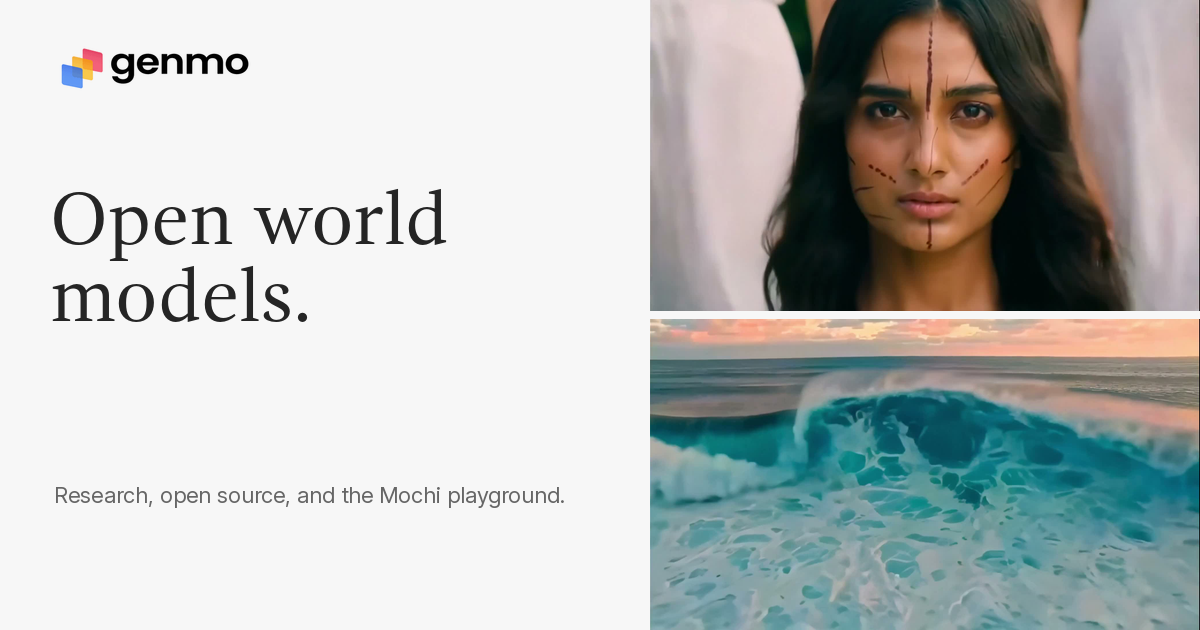
Genmo is a research lab building open-source video generation models. Their main product is Mochi 1, a text-to-video model that turns written prompts into short video clips.
You can use it through a free web playground, run it locally via command line, or plug it into ComfyUI workflows. The code sits on GitHub and Hugging Face with Apache 2.0 licensing, so you can use it commercially.
It sits in video generation work. It is built for people who want to experiment, prototype, or build pipelines—not for finished polished pieces.
Open it if you need short motion clips without paying first. Skip it if you need long videos with sound.
Who Genmo is best for
It helps most when you fit one of these situations.
- Developers building commercial apps: You get open model weights and Apache 2.0 licensing. You can integrate and ship without legal friction.
- Experimenters and researchers wanting to fine-tune: You download weights and modify the architecture. You control the pipeline end to end.
- Creators prioritizing motion smoothness over resolution: You trade crisp pixels for natural movement. The Asymmetric Diffusion Transformer puts four times more parameters into video than text.
- Users comfortable with multi-tool workflows: You expect to upscale, add audio, and composite elsewhere. Genmo gives you silent 480p clips that need finishing.
- Creators wanting to experiment without payment: The free tier gives you monthly credits to test prompts and camera presets.
- Filmmakers and storyboard artists: You generate rapid pre-visualization to show clients or plan shots before the real shoot.
- Marketers creating rapid ad concepts: You iterate ideas fast for stakeholder review. You still rebuild later with proper tools.
- Researchers evaluating AI video methods: You benchmark against open weights and reproduce results with transparent code.
Best things about Genmo
These are the parts you notice after a few tries.
- Strong motion quality for open-source: Temporal coherence holds better than competitors in the same bracket. Objects drift less.
- Camera controls without verbose prompts: Presets like Flower and Ninja give you pans, zooms, tilts, and rolls through simple selection.
- Free tier to test before committing: You try the Replay model monthly without credit card. You learn what works before paying.
- Community gallery for prompt discovery: You see what others made and remix their techniques. You skip the blank-page problem.
- Commercial license included: Apache 2.0 lets you ship products with the model. You do not negotiate enterprise contracts.
How you use Genmo
The path is short.
- Open the playground and write a detailed prompt with cinematic keywords.
- Select camera motion presets or leave them off.
- Generate and iterate with side-by-side versioning.
- Download the 480p silent clip.
- Send it through your upscaling, audio, and editing tools.
Why you should ignore it
Skip it when the fit is wrong.
- Skip it if you need finished production pieces: You get 480p silent clips that max at six seconds. You need serious post-work to make them usable.
- Skip it if you need physics accuracy: Fabric and joint movements break down. Complex interactions glitch predictably.
- Skip it if you want audio generated: Output is completely silent. You add sound separately.
- Skip it if you need stylized or animated content: It handles photorealistic motion better than drawn or abstract styles.
- Skip it if you want one-click results: Detailed prompts matter. Vague descriptions give you generic output.