
GanttPRO
Paid
Generate Gantt charts with AI from project descriptions, then customize timelines, manage resources, and collaborate with teams in a web-based project management tool.
About
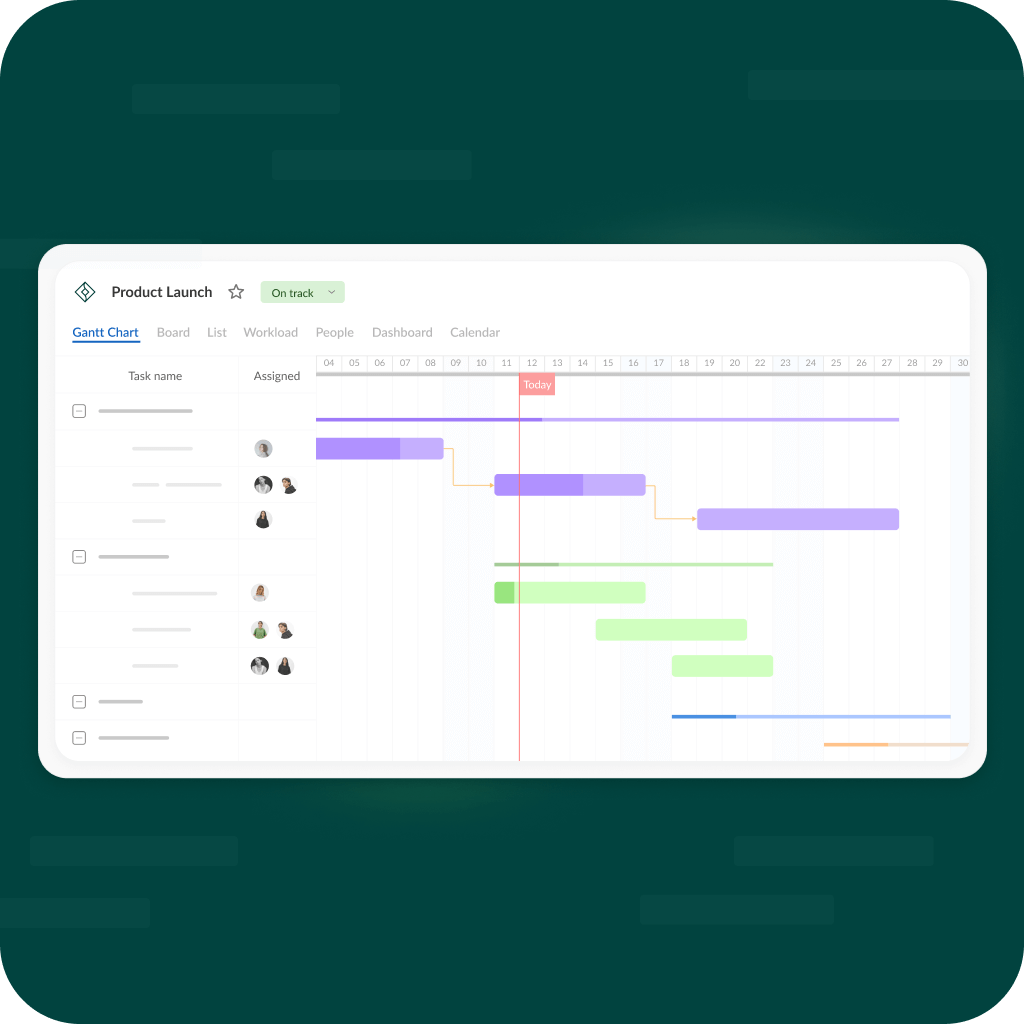
GanttPRO is project management software built around Gantt charts. You start with a text description, and it builds a project structure with tasks, roles, and timelines.
The AI Gantt chart maker gives you a first pass in about a minute. You can also pick from templates or build manually with drag-and-drop.
It keeps things simple. No billing, no invoicing, no complex automations. Just charts, resource tracking, and team visibility.
Open it if you need clean Gantt charts without the bloat of MS Project. Skip it if you need rich reporting, smart workflows, or a free plan.
Who GanttPRO is best for
These are the people who get the most from it.
- Small teams new to project management: The interface is uncluttered. You can spin up a project fast without a steep learning curve.
- Teams who want Gantt charts without complexity: You get drag-and-drop timelines, dependencies, and resource views. Nothing extra gets in your way.
- Budget-conscious buyers: Entry plans start around $8–9 per user monthly. You skip the add-ons that inflate competitor pricing.
- Students and academics: Discounts apply. You can plan research projects and share public links without burning seats.
- Teams fleeing Microsoft Project: You keep similar Gantt functionality in a cleaner, online format. No cloud migration headaches.
- Project managers who need resource visibility: Workload reports show allocation in color-coded bars. You spot over-commitment before it breaks deadlines.
- Teams with external stakeholders: Public share links let clients or vendors view schedules without paid accounts.
- Construction, marketing, IT, and event teams: Sequential tasks with dependencies are where GanttPRO shines. Your critical path calculates automatically.
Best things about GanttPRO
These are the parts you keep coming back to.
- AI project creation from plain text: You describe the project. It generates tasks, roles, and structure. The rest you adjust by hand.
- Drag-and-drop Gantt with critical path: Moving deadlines updates dependencies automatically. You see exactly what slips when tasks shift.
- Workload visibility across projects: Red, blue, and green bars show who is overloaded. You reassign before burnout hits.
- Fire icon for fixed deadlines: Overdue tasks scream visually. You catch problems without digging through reports.
- Virtual resources and public links: You add external collaborators without buying seats. Clients see filtered views of their projects.
How you use GanttPRO
You can start three ways.
- Pick the AI generator and type a project description in plain English.
- Review the auto-generated tasks, roles, and timeline it builds.
- Adjust by dragging tasks, adding dependencies, and setting milestones.
- Switch to Board view for daily work, or stay in Gantt for long-term planning.
- Share a public link or invite team members to collaborate.
Why you should ignore it
Skip it when these limits matter to you.
- No free plan: Everyone pays after the trial. Students get discounts, but there is no permanent free tier.
- No automations: You get zero if-this-then-that rules. Every status change requires manual work.
- Bare-bones reporting: Dashboards feel unfinished. You export to Excel if you need real analysis.
- Seven integrations only: Google Calendar, Drive, Slack, Teams, Jira, Excel, MS Project, OneDrive, Outlook. That is the list. No Zapier, no niche tools.
- AI stops at setup: It builds the project skeleton. After that, you are on your own. No ongoing suggestions or smart fills.
- Subtasks hide in Gantt view: You lose visual hierarchy in Board or List views. Complex projects get messy fast.