
Fotor
Freemium
Edit photos, generate AI images, remove backgrounds, and create designs through a web browser or desktop and mobile apps, with batch processing and an AI image generator for text-to-image creation.
About
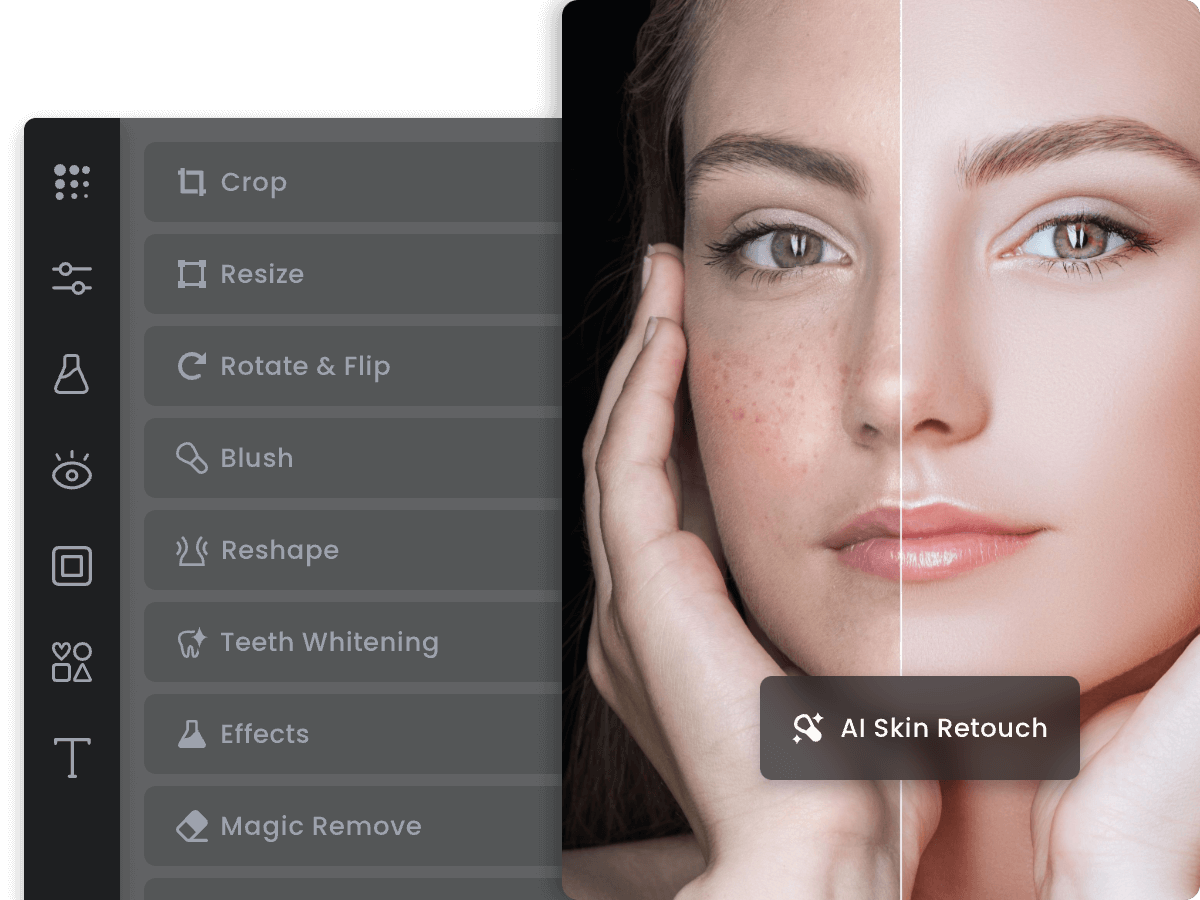
Fotor is an online photo editor with AI tools for image generation and design. You use it in a web browser, or through desktop and mobile apps.
It sits in image generation work, but wraps that inside traditional editing tools. You can crop, adjust brightness, remove backgrounds, and generate images from text prompts all in one place.
The trade-off is clear: convenience versus depth. It does many jobs adequately. It does few jobs exceptionally.
Open it if you want quick edits and AI generation without learning complex software. Skip it if you need professional color grading, advanced retouching, or precise control over AI outputs.
Who Fotor is best for
It fits you when speed matters more than perfection.
- Beginners wanting approachable tools: You start editing immediately. No tutorials needed.
- Social media content creators: You get platform-sized images fast. Templates speed up your workflow.
- Travelers needing mobile flexibility: You start on your phone and finish on desktop. Projects sync across devices.
- Small business owners without design skills: You make marketing graphics and product visuals without hiring help.
- People needing quick profile pictures: You generate a new headshot or avatar in under a minute.
- Users wanting to test before subscribing: You try the AI features with free credits. You see the quality before you pay.
- Casual photo editors: You touch up vacation photos and family snapshots. You do not need professional output.
- E-commerce sellers: You remove backgrounds from product photos. You make simple video ads from product links.
Best things about Fotor
These are the parts you notice after a few tries.
- Cross-platform syncing: You start on your phone during a commute. You finish on your laptop at home. Nothing gets lost.
- Fast AI generation: You get results in under a minute. You try multiple styles without waiting.
- Integrated editing tools: You generate an image, then crop, enhance, or remove the background without switching apps.
- Batch editing on desktop: You apply the same adjustments to many photos at once. You save hours on repetitive work.
- Intuitive interface: You find what you need without hunting through menus. The layout stays consistent across web, desktop, and mobile.
How you use Fotor
The path is short.
- Open Fotor and upload your photo or type a text prompt.
- Select a style or tool that matches your job.
- Adjust the result with built-in editing controls.
- Export to the format and size you need.
Why you should ignore it
Skip it when the fit is wrong.
- Fragmented AI workflow: AI tools live in a separate menu from the photo editor. You save and reopen files to keep working.
- Credit system drains fast: Free credits disappear quickly with regular use. Paid plans still feel restrictive for high-volume generation.
- Auto-renewal billing issues: Users report unexpected charges and difficult cancellations. You must monitor your subscription manually.
- Limited video output: AI video clips max out at 4-5 seconds. Motion coherence lags behind dedicated video tools.
- Inconsistent AI accuracy: Product details and sketch fidelity vary. You may need multiple attempts to get usable results.