
FocuSee
Paid
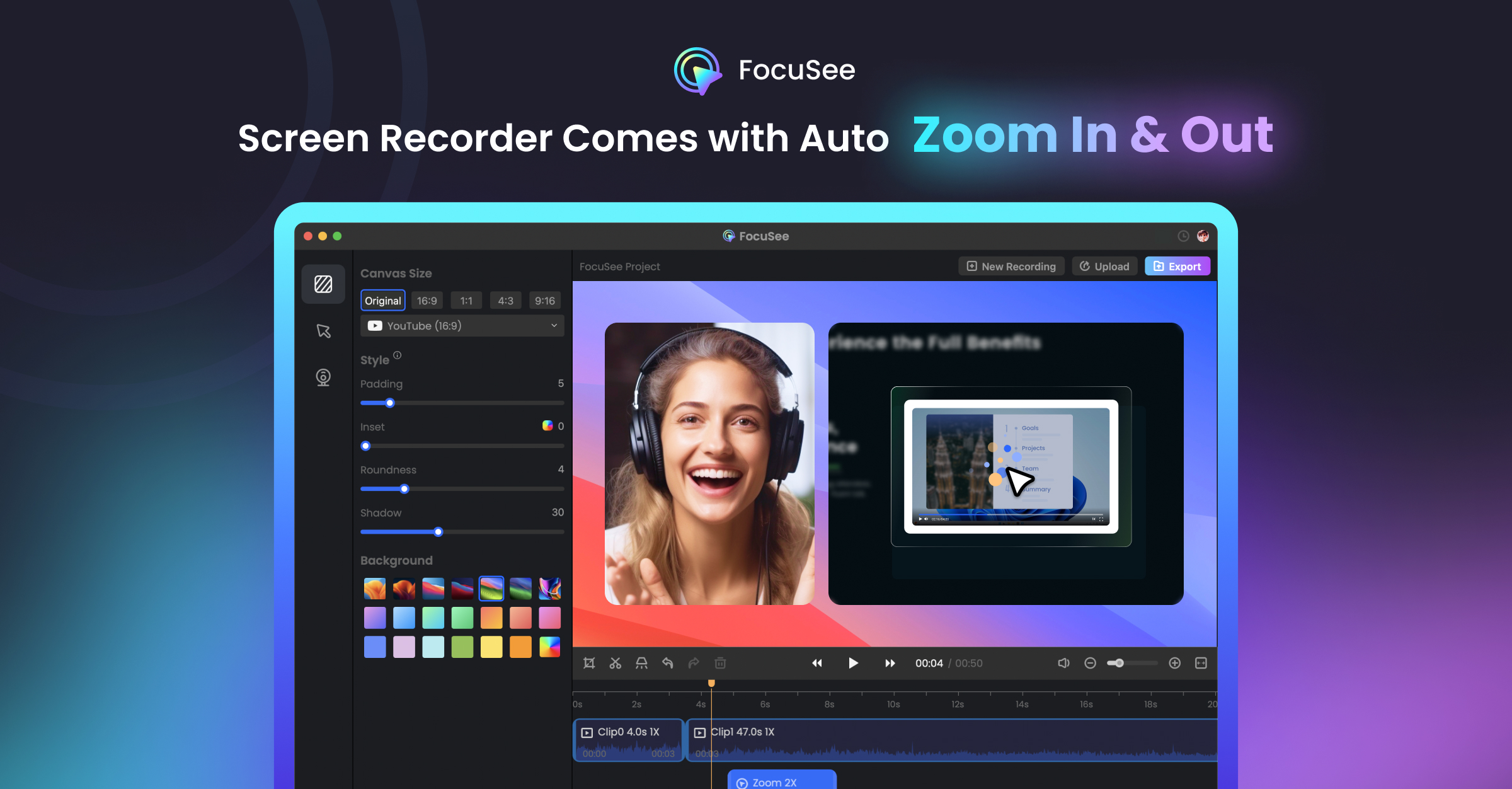
Record your screen and let FocuSee automatically add zoom effects, cursor tracking, subtitles, and audio cleanup to produce polished videos for any platform.
About
FocuSee is a screen recording tool for video editing. You hit record, and it adds automatic zooms, cursor effects, and captions after you stop.
You get a finished video without touching a timeline. The AI tracks your clicks and typing, then pans and zooms to follow the action.
It works on Windows and Mac. It is built for people who need tutorials, demos, or social clips fast.
Open it if you want auto-edited screen recordings without learning complex software. Skip it if you need deep control over every cut or rely on fast cloud exports.
Who FocuSee is best for
It fits specific jobs where speed beats perfection.
- Windows users needing Screen Studio-like features: You get auto-zoom and motion blur that Mac users have had. You do not need to switch operating systems.
- YouTube tutorial creators who prioritize speed over perfection: You ship videos fast. You accept occasional rough edges in exchange for hours saved.
- Students and beginners wanting simple editing without learning curves: You start recording immediately. The interface does not overwhelm you with options.
- Quick content producers who export locally not to cloud: You avoid cloud export delays. You save files directly to your machine.
- Users uncomfortable showing their face on camera: You use the AI avatar or background removal. You stay off-screen while still feeling present.
- Course builders needing basic polish without complex editing: You make lessons look professional. You skip hiring an editor or learning Premiere Pro.
- Marketers wanting email gates on video shares: You collect leads before viewers watch. You embed forms without building a landing page.
- Sales teams doing personalized video pitches: You record quick demos for prospects. You look polished without extra work.
- Software developers making changelog demos: You walk through code changes. The auto-zoom follows your cursor so viewers never lose the thread.
- Data scientists demoing Jupyter notebooks: You show your work without tedious post-production. The tool keeps focus on your cells and outputs.
Best things about FocuSee
These are the parts that keep you coming back after a few recordings.
- Automatic zoom and cursor tracking: It follows where you click and type. You skip keyframing dozens of zoom points by hand.
- Fast Whisper AI captions: It generates subtitles in multiple languages. You fix typos instead of typing everything from scratch.
- AI audio cleanup: It removes noise and filler words. Your voice sounds clearer without buying a better mic.
- Canvas backgrounds and social presets: It formats for TikTok, YouTube, or LinkedIn with one click. You do not resize or crop manually.
- One-time purchase option: You pay once and own it. You escape the monthly subscription trap.
How you use FocuSee
The workflow is deliberately short.
- Hit record and capture your screen, webcam, and mic.
- Stop recording and let the AI apply zooms, effects, and captions.
- Adjust the auto-edit if needed, then pick your export format and platform.
Why you should ignore it
Skip it when these limits would block your work.
- Slow cloud exports: Some users report 8-minute videos taking two hours to upload. You export locally if you need speed.
- Audio sync issues on longer recordings: Cuts can desync audio and video, especially with AI features enabled. You keep recordings under 3-4 minutes or check sync carefully.
- Limited editing control: You cannot add transitions, gap clips, or independent audio edits. You accept the AI pacing or find another tool.
- Refund hassles: Multiple users describe cancellation and refund processes as difficult. You try the free trial fully before paying.