
Filmora
Paid
Edit video with a multi-track timeline, AI-assisted generation, automatic captions, and integrated stock assets, then export in multiple formats or hand off via XML to other editors.
About
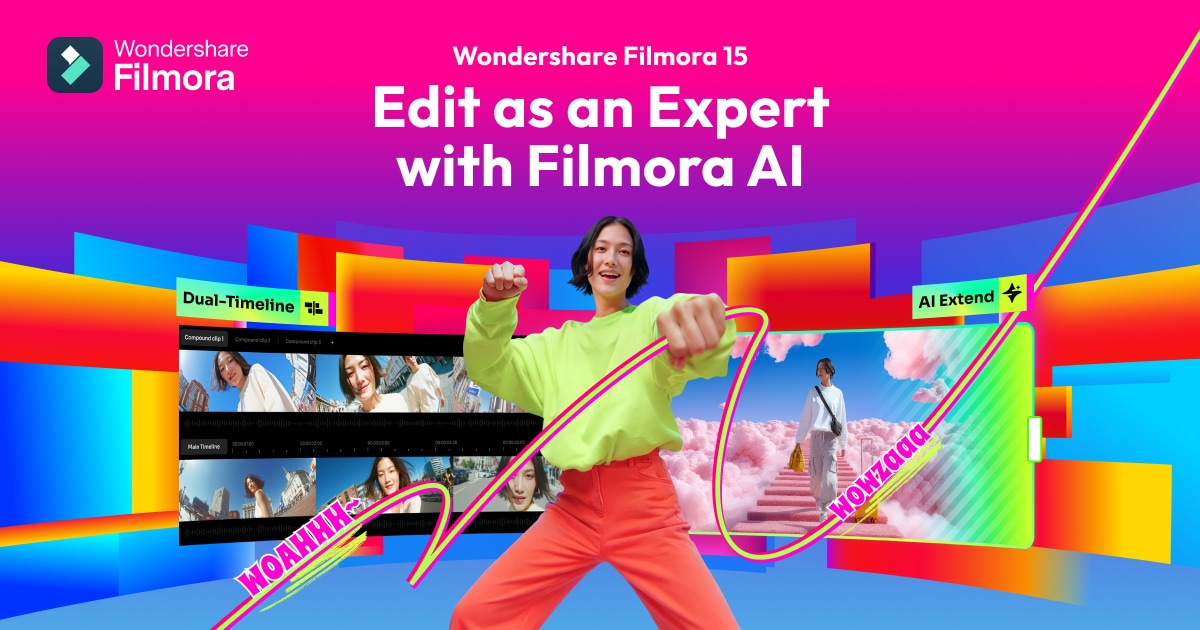
Filmora is video editing software with AI tools built in. It sits between phone apps and professional suites like Premiere Pro.
You can start with no experience and make something that looks finished. The timeline works like the pros use, but the buttons are where you expect them.
It does not replace colorists or motion graphics artists. It helps you finish a video without calling one.
Open it if you need to finish videos without a course. Skip it if you already cut in DaVinci or need deep plugin workflows.
Who Filmora is best for
People land here from different paths, but the common thread is wanting control without confusion.
- Complete beginners with zero experience: You learn the basics in an hour. One person said five minutes.
- YouTube creators and vloggers: You get green screen, transitions, and captions without buying three apps.
- Home movie makers: You combine phone clips into something watchable. Family projects do not need a film school degree.
- Users who need quick results: Pre-made effects and templates skip the blank timeline panic.
- Creators polishing AI-generated footage: You import from PixVerse or other generators and fix the rough edges.
- People repurposing long content: You grab highlights from podcasts or webinars with AI Auto Cut and Smart Short Clips.
- Mobile creators: You generate image-to-video on your phone with Nano Banana-style templates.
- Users on modest hardware: It runs on 12GB RAM without melting your laptop.
Best things about Filmora
These parts stay useful after the novelty wears off.
- Magnetic timeline: Clips snap together cleanly. You spend less time nudging pixels.
- AI Auto Cut: It finds the good moments in long footage. You still pick, but you scroll less.
- Motion tracking that works: You stick text or images to moving subjects without frame-by-frame pain.
- Color grading with scopes: You get professional curves and wheels at non-professional prices.
- Cross-platform sync: You start on desktop, finish on laptop, without moving files by hand.
- Voice cloning from text: You generate narration that sounds like you, then edit it like any other track.
Why you should ignore it
Some limits are real enough to send you elsewhere.
- The free version watermark: It is large and sits in the middle of your frame. You buy or you switch.
- Audio track limits: It merges audio together. You cannot separate dialogue and music later.
- Plugin ecosystem: You get less third-party add-on choice than Premiere Pro users.
- Perpetual license trap: You pay once, but major version upgrades cost again.
- AI Smart Short Clips crashes: Some users report lag and stalls when using this feature heavily.
- Refund resistance: Automatic renewals hit without clear warning, and support resists giving money back.