
Elementor
Paid
Build WordPress websites with a drag-and-drop visual editor, theme builder, and templates, then optimize performance and accessibility without coding.
About
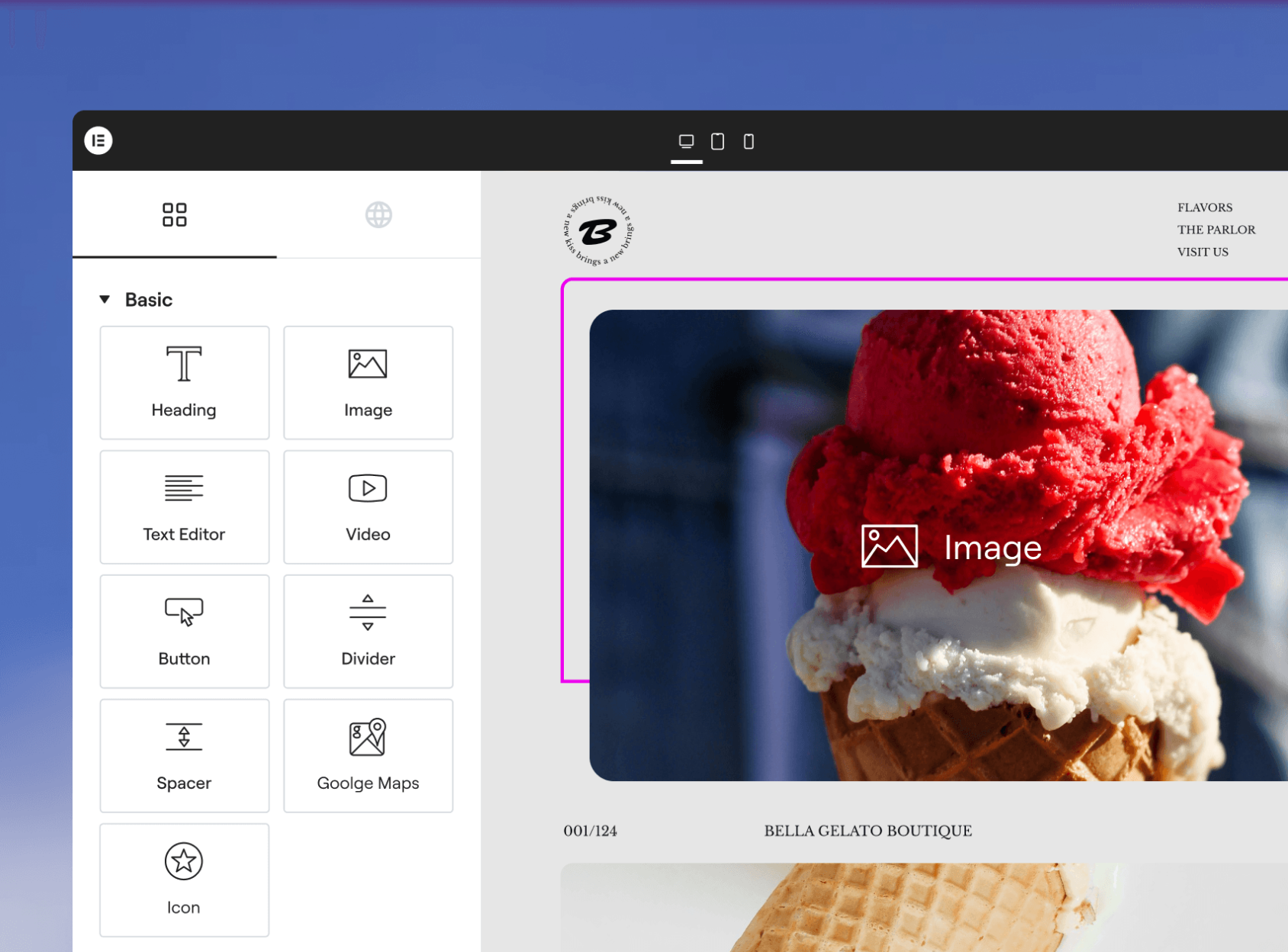
Elementor is a visual website builder for WordPress. It sits in the App & Website Builders category. You drag and drop to build pages instead of writing code.
It gives you widgets, templates, and controls for layouts, colors, and fonts. You can build pages, forms, popups, and online stores. It connects to any WordPress theme.
You pay to unlock more features. The free tier lets you test before you buy.
Open it if you build WordPress sites and want visual control without code. Skip it if you need long-term performance or strict brand consistency across a large team.
Who Elementor is best for
These are the people who get the most from it.
- Agencies managing multiple client sites: You reuse templates, fonts, and colors across projects. Your clients can edit their own sites after handoff.
- Freelancers building client sites: You work faster and clients like using the editor. The Pro version pays for itself with theme builder and dynamic content.
- Small businesses launching quickly: You skip hiring a developer. The free version gets you started; Pro unlocks full site control.
- WordPress users who want visual editing: You stay in the ecosystem you know. You get drag-and-drop without leaving WordPress.
- Ecommerce sellers using WooCommerce: You keep design control while running a store. You build product pages and checkout flows visually.
- Marketing teams making landing pages: You launch fast and edit often. You accept some performance trade-offs for speed.
- Content creators and bloggers: You draft posts and pages faster. The AI tools help with text and images inside your workflow.
- Beginners avoiding code: You learn by doing. The sidebar editor makes sense on first use.
Best things about Elementor
These are the parts you keep coming back to.
- The drag-and-drop editor: You see changes live. You never switch between preview and editor.
- The free version actually works: You get 40+ widgets and real templates. You build something complete before you pay.
- Clients can self-manage: You hand off sites people can edit without calling you. That saves hours every month.
- Theme Builder in Pro: You design headers, footers, and archive pages without code. You control the whole site visually.
- AI built into the workflow: You generate containers, text, and images without leaving the builder. You keep full edit rights on everything AI makes.
- Works with lightweight themes: You pair it with OceanWP or GeneratePress. You get better speed than with bloated themes.
Why you should ignore it
These are the real limits that waste your time.
- Heavy code output: You get extra wrapper divs and inline CSS. Your site slows down unless you work at optimization.
- Add-on chaos: You juggle licenses from multiple creators. Conflicts break your layouts and waste debugging hours.
- Credit-based AI pricing: You burn through credits fast. The $3.99/month can feel tight if you generate often.
- Updates break custom work: Your CSS and add-ons stop working after updates. You budget time for fixes.
- Performance ceiling: You cannot achieve top speed scores. For critical sites, this is a hard stop.
- Requires Containers for AI: You must switch your page structure to use AI features. Old workflows need rebuilding.