
Eddie AI
Freemium
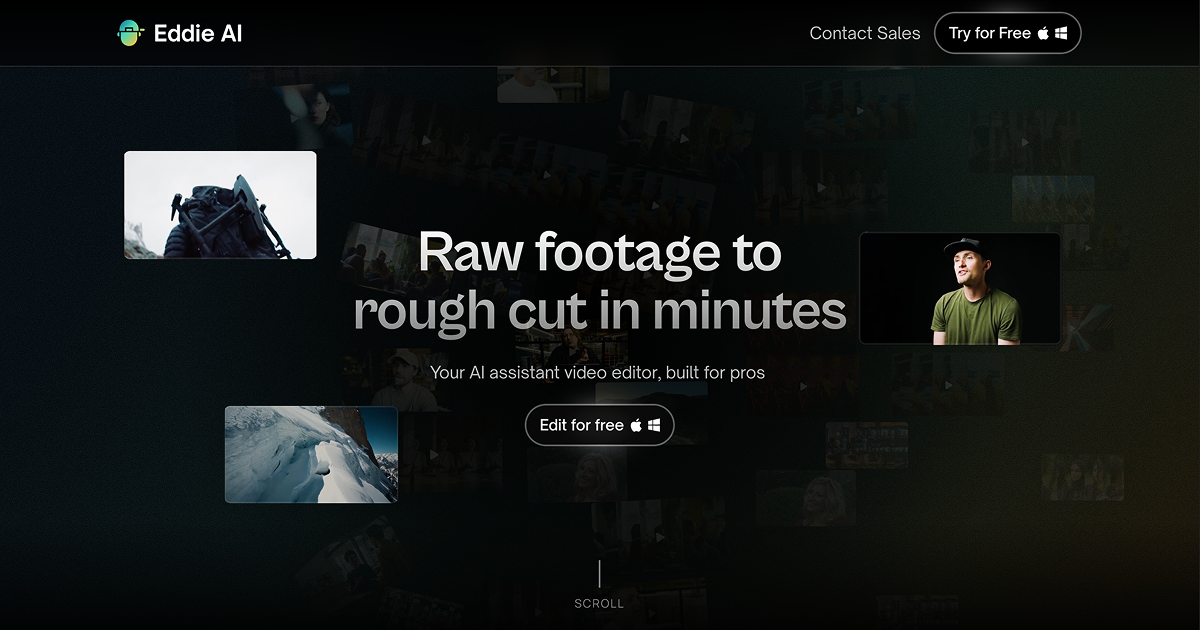
Import interview footage, describe the edit in plain language, and receive a structured rough cut with transcribed soundbites, synced multi-cam angles, and placed B-roll, then round-trip to Premiere, Resolve, or Final Cut.
About
Eddie AI is a video editing assistant for the boring early work. It takes raw interviews and talking-head footage, then builds rough cuts you can finish in Premiere, Resolve, or Final Cut.
You type what you want in normal sentences. The tool handles logging, multi-cam sync, filler word removal, and first-pass assembly. You get a timeline to export, not a finished video.
It sits in video editing work. It is not a full editor. You still need an NLE for polish, color, and sound.
Open it if you drown in logging and rough-cut prep. Skip it if you need creative pacing or visual effects work.
Who Eddie AI is best for
It pays off when your job is interview-heavy and time-pressed.
- Video editors working on interviews, podcasts, documentaries: You skip hours of clipping and logging. You still refine the cut yourself.
- Creator teams processing significant footage weekly: You get upstream help without hiring more loggers. The bottleneck eases.
- DaVinci Resolve/Premiere/Final Cut users wanting upstream assistance: You stay in your finishing tool. Eddie only handles the messy start.
- Anyone with the 'editing bottleneck' of logging and rough-cut building: You trade prompt-writing for timeline-scrubbing. The hours shrink.
- Podcast producers needing multicam sync: You auto-sync up to six cameras. You skip the manual matching.
- Editors who finish in professional NLEs but want AI-assisted assembly: You keep your skills and software. You just start faster.
- Content creators repurposing long-form video into social clips: You condense hours into seconds with text prompts. You still check the pacing.
- Users comfortable with ChatGPT-style interfaces: You already know how to talk to it. The learning curve is short.
Best things about Eddie AI
These are why you keep it open after the novelty fades.
- Saves 30–60 minutes per project on logging and rough cuts: The first pass is the slowest part. Eddie hands you a structured starting point.
- Excellent B-roll tagging and footage organization: Clips sort by type, description, and content. You find shots faster later.
- 6-camera multicam auto-sync for podcasts: Multi-person interviews sync without manual work. You move to editing sooner.
- Night Shift automation for overnight processing: You upload before bed. You edit with ready footage in the morning.
- ChatGPT-identical interface: You do not learn new menus. You type and refine like you already do with AI chat tools.
- Direct export to Premiere, Resolve, Final Cut: You finish where you are comfortable. The handoff is clean.
How you use Eddie AI
The workflow is specific.
- Upload your anchor footage first—a voice-over or talking head that carries the story.
- Add your B-roll and multi-cam sources for logging and sync.
- Type prompts in plain language to restructure, condense, or find specific moments.
- Review the rough cut and export the timeline to your NLE for finishing.
Why you should ignore it
Skip it when the fit is wrong.
- B-roll placement quality is inconsistent: You will rearrange shots. The AI does not see composition like you do.
- Requires a narrative anchor to perform well: Without a clear story thread, the edit wanders. You need that backbone footage.
- Not a one-click final edit tool: Expectation mismatch is common. You still do real editing work.
- Can feel expensive for high-volume users: Credit-based pricing adds up at $10–20 per export. Budget accordingly.
- Robotic AI pacing requires manual refinement: Emotional timing is yours to add. The AI handles structure, not feeling.
- Desktop-only: You need Mac or Windows. No mobile, no browser-only workflow.