
Easy MCP AI
Free
Connect AI assistants to a WordPress site through the Model Context Protocol, enabling read, write, and publish operations directly from chat without external infrastructure.
About
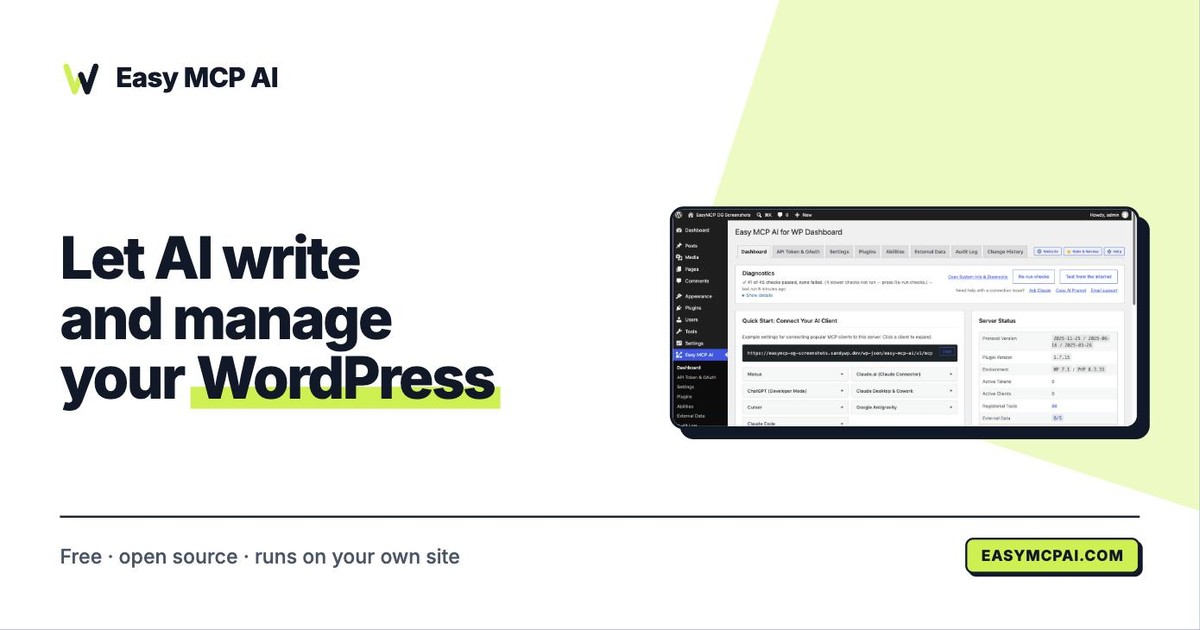
Easy MCP AI is a free WordPress plugin that turns your WordPress site into an MCP server. AI agents like Claude, ChatGPT, and Cursor get to read, write, and publish content straight from a chat.
It runs entirely inside WordPress as pure PHP. No Node.js needed. No third-party relay in the middle.
It sits in AI Agents work. Install it only if you want to let an AI talk directly to your site, not if you want a dashboard you click around in.
Open it if you want Claude to manage your WordPress posts, pages, and SEO data without leaving the chat. Skip it if you do not want an AI touching your site code or content.
Who Easy MCP AI is best for
It fits when direct AI-to-site control is what you actually need.
- WordPress users who want MCP server integration with Claude or other AI agents: You connect once. Then the AI drafts posts, edits pages, and manages media without you switching tabs.
- Users who value granular control over AI tool permissions: You choose exactly which tools the AI can touch. Lock out the rest.
- Content teams: Writers stay in the AI chat. The site updates without extra dashboards.
- SEO consultants: You pull Google Analytics, Search Console, Semrush, and Ahrefs data through the same chat window.
- WooCommerce operators: Orders, products, and inventory show up in AI responses without extra connectors.
- Self-hosted WordPress users who want direct MCP connectivity: Traffic moves between your AI client and your REST API. No middleman relay sits in between.
- Users prioritizing data privacy and local control: Everything logs in your WordPress dashboard. Permissions stay on your server.
- Those who need comprehensive activity logging and diagnostics: You see call counts, success rates, and which abilities the AI actually used.
- Users who want external data integrated without separate infrastructure: SEO and analytics connectors come built in. You do not build your own data pipeline.
- Sites where outbound API calls are not a compliance concern: The connectors send your API keys out for enrichment. That tradeoff has to fit your rules.
Best things about Easy MCP AI
These are the parts you notice after setup.
- 280-plus tools out of the box: You get core WordPress, WooCommerce, SEO plugins, and analytics connectors without hunting for extras.
- Direct server-native architecture: Your data never hits a third-party relay. Privacy and uptime stay under your control.
- Granular permission controls: You expose only what you want the AI to touch. The rest stays locked.
- Full activity logging: Every call shows up in your WordPress dashboard. You audit what the AI did and when.
- Free with no subscription: The full toolset costs nothing. You only pay for third-party SEO or analytics APIs if you use them.
How you use Easy MCP AI
Setup is straightforward once you push past the options.
- Install the plugin from WordPress.org.
- Authenticate using the three-step CLI flow or token-based method.
- Select which abilities and tools to expose to the AI.
- Copy your MCP server URL into Claude, ChatGPT, or Cursor.
- Start chatting. The AI reads and writes your WordPress content directly.
Why you should ignore it
Skip it when these tradeoffs bite you.
- Initial setup can overwhelm: The configuration screen throws a lot of options at you fast. You push through once, then it settles down.
- Onboarding needs patience: The team admits it is not as clear as it could be yet.
- Outbound data flows: SEO and analytics connectors send your API keys to external services for enrichment. That has to match your compliance rules.
- No SaaS option: It is WordPress-only. You cannot point it at a static site or a different CMS.