
Dume.ai
Freemium
Automate email triage, scheduling, and repetitive tasks through a browser interface, WhatsApp, phone calls, or desktop app, with AI that connects to Gmail, Calendar, Slack, and 50+ other tools.
About
Dume.ai is an AI assistant for Productivity. It connects to tools you already use—Gmail, Calendar, Slack, Notion, Jira—and tries to handle busy work for you.
You can reach it in a browser, on WhatsApp, by phone call, or through a desktop app called Dume Cowork. It chains tasks together: read email, draft reply, schedule meeting.
The idea is one place to command your scattered work. The reality is more mixed. Some parts work well. Others break or need workarounds.
Open it if you juggle too many tools and want to try automation without learning code. Skip it if you need reliable email parsing or complex desktop file operations.
Who Dume.ai is best for
It helps when your work lives in browser tabs and you want one place to direct it.
- Solo founders juggling multiple tools: You get a morning briefing with meetings and reminders. You stop checking five apps before coffee.
- Small teams needing workflow automation: You chain actions across email, calendar, and project tools. You save real time when the chain holds.
- Digital nomads running operations via mobile: You text WhatsApp for status updates. You get answers pulling from Jira, Slack, and GitHub.
- Team leads in Slack/Jira/Notion environments: You ask one place what's blocked. You see cross-tool context without Alt-Tab.
- Users who want automation without no-code logic: You describe workflows in plain language. You skip learning Zapier-style builders.
- Product Managers needing PRD-to-Jira automation: You write requirements. The AI turns them into tickets with breakdowns.
- Executive Assistants managing multi-channel communications: You triage email, draft replies, and schedule from one window.
- People wanting model choice: You switch between GPT-5, Gemini, Kimi, Mistral, or Perplexity. You pick what fits the task.
Best things about Dume.ai
These are the parts that keep you coming back when they work.
- Morning Briefing at 8 AM: It pulls overnight Slack mentions, calendar conflicts, and overdue tickets. You scan it in under a minute.
- Workflow chaining: You connect summarize → draft → schedule in one flow. You skip the copy-paste between apps.
- WhatsApp and phone access: You run your day from a coffee line. You are not tied to a browser.
- Founder responsiveness: Support replies come fast, sometimes in seconds. They offer free months when things break.
- Multi-model flexibility: You test which AI fits each job. You are not locked to one provider.
How you use Dume.ai
You start in the browser, then expand to where you actually work.
- Connect your tools—Gmail, Calendar, Slack, Notion, Jira—through OAuth.
- Set up the Morning Briefing skill and pick which channels it watches.
- Describe a repetitive workflow in plain words, or pick a One-Click Skill.
- Test it on a small task before trusting it with important work.
- Add WhatsApp or the desktop app once the browser feel is right.
Why you should ignore it
Skip it when reliability matters more than convenience.
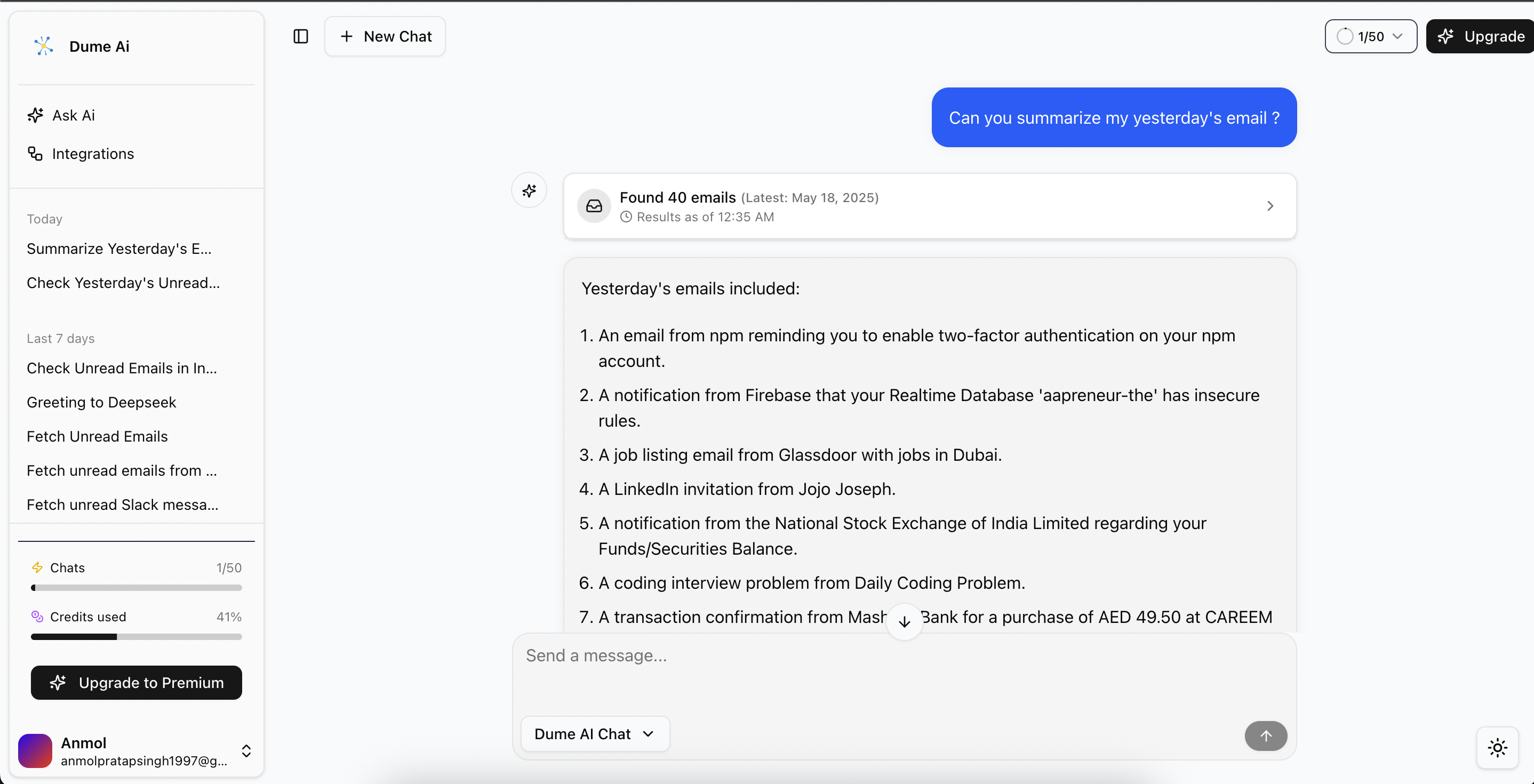
- Email parsing fails often: Bulk operations break. You cannot reply to emails from inside the app, or mark them done.
- Desktop file operations are spotty: Excel files and OneDrive uploads error out. You end up doing the work manually anyway.
- Workflow customization is limited: You hit walls when you want something complex. The no-code promise has gaps.