
DreamPic.AI
Free
Upload photos to train a custom AI model and generate personalized portraits in over 100 artistic styles, with optional 4K resolution for printing.
About
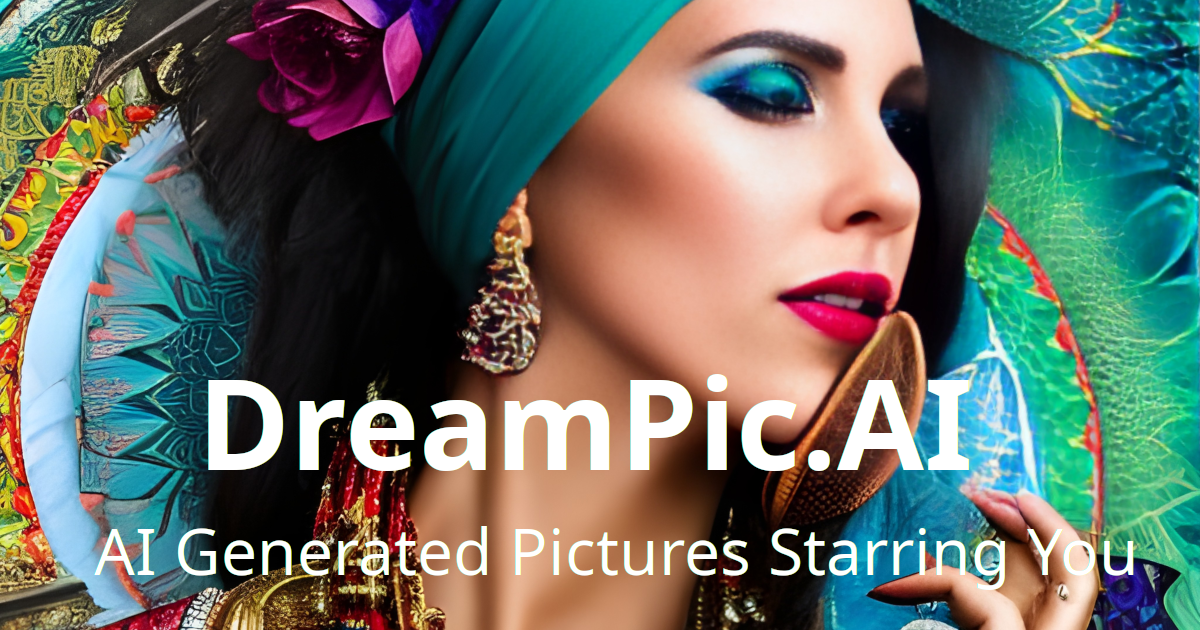
DreamPic.AI is a web-based image generation service. You upload photos of yourself. It trains a custom AI model. Then you get portraits in different artistic styles.
You get 120 images across 15 styles for $15. No subscription. Extra styles cost $1 each.
The work it sits in is image generation. It is meant for personal avatars, not professional design work.
Open it if you want a one-time batch of stylized portraits of yourself. Skip it if you need precise control or professional-grade output.
Who DreamPic.AI is best for
These are the jobs it actually handles.
- Hobbyists looking for free AI image generation: You can start without a subscription fee. The entry cost is low compared to monthly tools.
- Budget-conscious users wanting AI avatars without subscriptions: You pay once and own your images. No recurring charges drain your account.
- Users needing one-time download of multiple style variations: You get 120 images in one go. You pick what you like and download a zip file.
- Users wanting personalized AI avatars from their own photos: You train on your face, not generic models. The results look like you, in theory.
- Users wanting printed-quality avatars: You can get 4K resolution output. That actually works for paper, canvas, or posters.
- People avoiding subscription services: You own your generation credits outright. No panic about canceling before the next bill.
- Social media content creators: You get a pile of profile picture options fast. You swap them in when you want a fresh look.
- Android users comfortable with broad app permissions: You get a mobile app option. You trade some privacy for convenience.
Best things about DreamPic.AI
These are the parts you notice if the tool works for you.
- One-time payment, no subscription: You pay $15 and stop thinking about money. That feels rare in AI image tools right now.
- 4K resolution for prints: You can actually use these beyond a screen. Physical gifts or wall art are possible.
- 100+ preset styles plus custom styles: You get bored with one look, you pick another. You can also train your own style with a reference image.
- Automatic photo deletion: Your original uploads get wiped after 7 days. You worry less about where your face lives forever.
- Full copyright retention: You own what it makes. No legal gray area if you post or sell the results.
How you use DreamPic.AI
The flow is what they promise.
- Upload 10–30 clear photos of yourself.
- Wait for the AI model to train on your face, typically a short wait.
- Pick from preset styles or upload a reference image for a custom look.
- Download your 120 generated images as a single archive.
Why you should ignore it
These limits matter more than the marketing suggests.
- Accuracy problems with faces: Generated images often do not look like you. Users report strange artifacts like detached clothing and wrong proportions.
- Heavy app permissions required: The Android app asks for broad access to your photos and storage. You give up more privacy than the job seems worth.
- No fine-grained control: You get what the style gives you. You cannot adjust poses, expressions, or details with prompts or feedback.
- Slow or limited generation even when paid: Some users hit strict weekly limits after payment. Free tiers are heavily capped.
- No proof of quality before you pay: You cannot test the model on your face first. You commit $15 before you know if it captures you well.