
Craiyon
Freemium
Generate images from text descriptions using style presets and editing tools, with free tier access and optional paid upgrades for higher quality and faster processing.
About
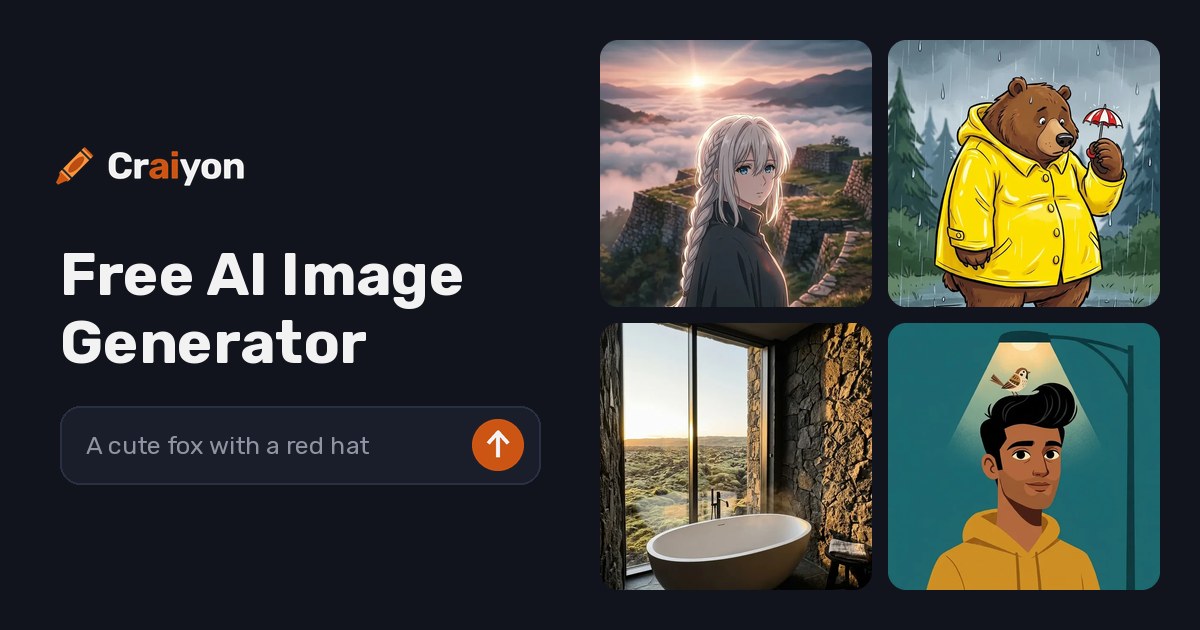
Craiyon is a free AI image generator that turns text into pictures. You type what you want, and it gives you nine images in about a minute.
You do not need to sign up or pay to start. This makes it useful for quick tests and casual projects.
It does image generation work best. It is a poor fit for professional design work.
Open it if you want free, fast image generation without commitment. Skip it if you need photorealistic or client-ready results.
Who Craiyon is best for
It helps most when you need images without cost or setup.
- Beginners exploring AI art: You get to try image generation without learning complex tools. No barrier means you start immediately.
- Students and bloggers: You make quick visuals for posts and presentations. The free tier covers casual use.
- Writers needing visual inspiration: You see your scenes and characters rendered fast. This helps you write with a clearer picture in mind.
- Teachers demonstrating AI: You show students how text-to-image works. No signup means no privacy forms or account management.
- People brainstorming and moodboarding: You generate many ideas fast before moving to paid tools. The nine-image batch gives options to compare.
- Users wanting free experimentation: You play with prompts without spending money. Unlimited generations let you practice prompt writing.
- Casual creators and hobbyists: You make art for fun, not profit. The unpredictable outputs can surprise you in good ways.
- Anyone needing quick blog and social media visuals: You fill content gaps without hiring a designer. The results are good enough for informal posts.
Best things about Craiyon
These are the parts you notice after a few tries.
- No signup required: You open the site and start typing. This removes every barrier between idea and image.
- Nine images per prompt: You get variation without clicking refresh. This speeds up your search for a usable result.
- Negative prompts: You tell it what to leave out. This filters unwanted elements about half the time, which is better than many free tools.
- Built-in background removal and upscaling: You finish some jobs without opening Photoshop. These tools turn it from a generator into a light editing suite.
- Truly unlimited free generations: You never hit a credit wall. This matters when you are iterating on a prompt or teaching a class.
- Commercial use allowed on free tier: You can use what you make. Most free tools block this or watermark heavily.
How you use Craiyon
The path is short and open.
- Open the site and type your prompt in the main field.
- Pick a style preset from the six options: Artistic, Photo, Anime, Illustration, Vector, or Raw.
- Add words to exclude in the "Exclude" field if needed.
- Click generate and wait about one minute for nine images.
- Download what you like, or use the built-in tools to remove backgrounds or upscale.
Why you should ignore it
Skip it when the fit is wrong.
- Skip it for photorealistic work: Faces distort, hands merge, and text renders as gibberish. The "photo" style still has an AI sheen that does not pass for real photography.
- Skip it for complex scenes: Multiple elements in one prompt often get ignored or mangled. Spatial relationships fall apart under scrutiny.
- Skip it for professional client work: The quality ceiling is low and inconsistent. You will spend more time fixing than generating.
- Skip it if you need speed at scale: Free tier waits hit 1–2 minutes, and traffic spikes slow it further. Paid tiers only fix speed, not quality.
- Skip it for reliable support: Billing issues and account problems go unanswered for months. You are on your own if something breaks.