
CodeDesign.ai
Freemium
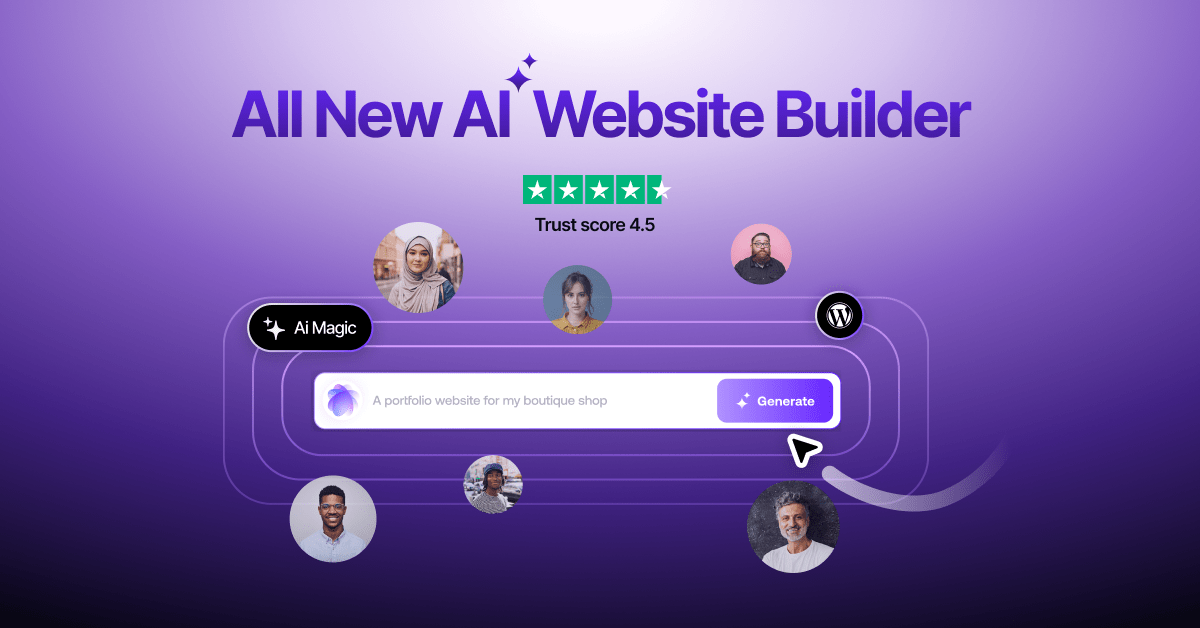
Build websites by describing them to an AI, then edit via chat or drag-and-drop, with options to host on the platform, sync to WordPress, or export React and HTML code.
About
CodeDesign.ai is an AI website builder in the App & Website Builders space. You describe your business in plain English, and the AI drafts a complete site with structure, copy, and visuals.
It offers two ways to work: an AI-driven chat interface where you build by talking, and a manual drag-and-drop editor with optional AI help for text and images. You can host on their platform, publish to WordPress, or export clean HTML or React code.
It includes built-in SEO auditing, analytics tracking, domain registration, free SSL certificates, and an AI chatbot trained on your content. A free plan lets you start with three projects.
Open it if you need a quick professional site without coding. Skip it if you need deep customization or complex integrations.
Who CodeDesign.ai is best for
You get the most from it when your needs match what it actually delivers.
- Small business owners wanting lifetime pricing: The one-time purchase option saves money compared to monthly subscriptions. Several users chose it specifically for this.
- Users prioritizing customer support availability: Support staff are named, responsive, and technically capable. You get help when something breaks.
- Beginners comfortable with template-based designs: The drag-and-drop editor feels familiar. You do not need prior experience.
- Those migrating from Weebly or Wix: Users compare it favorably and successfully move sites over. You get AI assistance your old tool lacked.
- Freelancers and agencies building client sites: The lifetime plan covers multiple slots. You can export code and hand it off.
- Digital marketers needing rapid landing page creation: You get complete pages from a short prompt, ready to customize and publish.
- Solo creators and small teams needing rapid prototyping: You generate a starting point in under a minute, then refine or export.
- Users who want AI-generated starting points they can heavily customize: The AI gives you layouts, copy, and images. You take it from there.
- Entrepreneurs and startups launching MVPs quickly: You skip weeks of design and development. You get something live to test.
- Users who need quick landing pages without coding: You type what you want. The site appears. You adjust and ship.
Best things about CodeDesign.ai
These are what you notice after actually using it.
- Responsive customer support with named staff: Sai and Raushan get specific praise. You get answers from people who know the tool.
- Generates complete sites from text prompts: You describe your purpose and style. The AI gives you layouts, copy, and images to start from.
- Code export prevents lock-in: You can take your site as HTML or React. You own what you built.
- Lifetime pricing option: You pay once instead of forever. This matters when you are watching costs.
- Free plan with real limits: You get three projects and custom domain connection without paying. You can try before you buy.
- WordPress sync plugin: You build in CodeDesign.ai, then push to WordPress. This helps if you manage legacy installs.
How you use CodeDesign.ai
The flow is simple once you know the steps.
- Answer questions about your purpose and style in the onboarding.
- Review the AI-generated draft and pick a layout variant.
- Switch to the drag-and-drop editor or AI chat to refine design, copy, and images.
- Connect your custom domain or keep the free subdomain.
- Publish to their hosting, export code, or push to WordPress.
Why you should ignore it
Skip it when these limits would block you.
- AI designs can feel generic: You need 20-plus minutes of manual work to make them stand out. The first output looks like a template.
- Advanced customization is limited: You hit walls if you need complex interactions or deep design control. Webflow or code is better for that.
- Integrations are sparse: You cannot easily connect other business tools. If your workflow spans multiple platforms, this hurts.
- Occasional reliability issues: Users report SSL expirations taking sites offline and interface glitches erasing work. You need to save often.