
Clockk
Freemium
Automatically track time across multiple projects and apps using AI, then review and assign recorded activity to clients without manual timers.
About
Clockk is an AI time tracker that runs in the background and logs what you do. It watches your apps, sites, and files, then sorts your hours into projects. You do not press start or stop.
It was built for people who bill by the hour but hate timers. Forget to track a call? Clockk already saw it. Need to invoice? It fills in the gaps you would have missed.
It is a productivity tool for service work: freelance, agency, consulting. It learns how you work instead of forcing a system on you.
Open it if you bill by the hour and keep forgetting to track. Skip it if you need to prove exactly which task you did for legal billing or disputes.
Who Clockk is best for
It fits when your day jumps around and you cannot remember where the time went.
- Freelancers managing multiple client projects: You switch tabs all day. Clockk sees which client you were serving and sorts it for you.
- Agencies with automatic, AI-driven time allocation needs: Your team works across accounts. The AI assigns hours so you do not chase people for timesheets.
- People who want hands-off time capture without manual timer switching: You hate clicking start and stop. This runs quiet and waits for your review.
- Users who forget to start/stop timers and want fully automated tracking: You miss hours every week. Clockk catches them before they vanish.
- Those concerned with privacy and data visibility control: You want to see your own data but not share it. You set who sees what.
- Growing businesses needing unlimited user support: You add people without hitting a seat cap. The plan does not punish growth.
- Professionals juggling multiple tasks: Your day is scattered. The tool handles the chaos so you do not have to recall it.
- People who dislike rigid time management systems: You want flexibility, not daily time blocks. Clockk adapts to how you actually work.
- Consultants needing accurate billing records: You need clean hours for invoices. The AI builds the record you can send.
- Small service businesses prioritizing ease over granular control: You want good enough fast, not perfect with effort.
Best things about Clockk
These are the parts that stick after a week of use.
- Automatic project tagging based on app and website usage: It learns that GitHub means Client A and Gmail means Client B. You spend less time sorting.
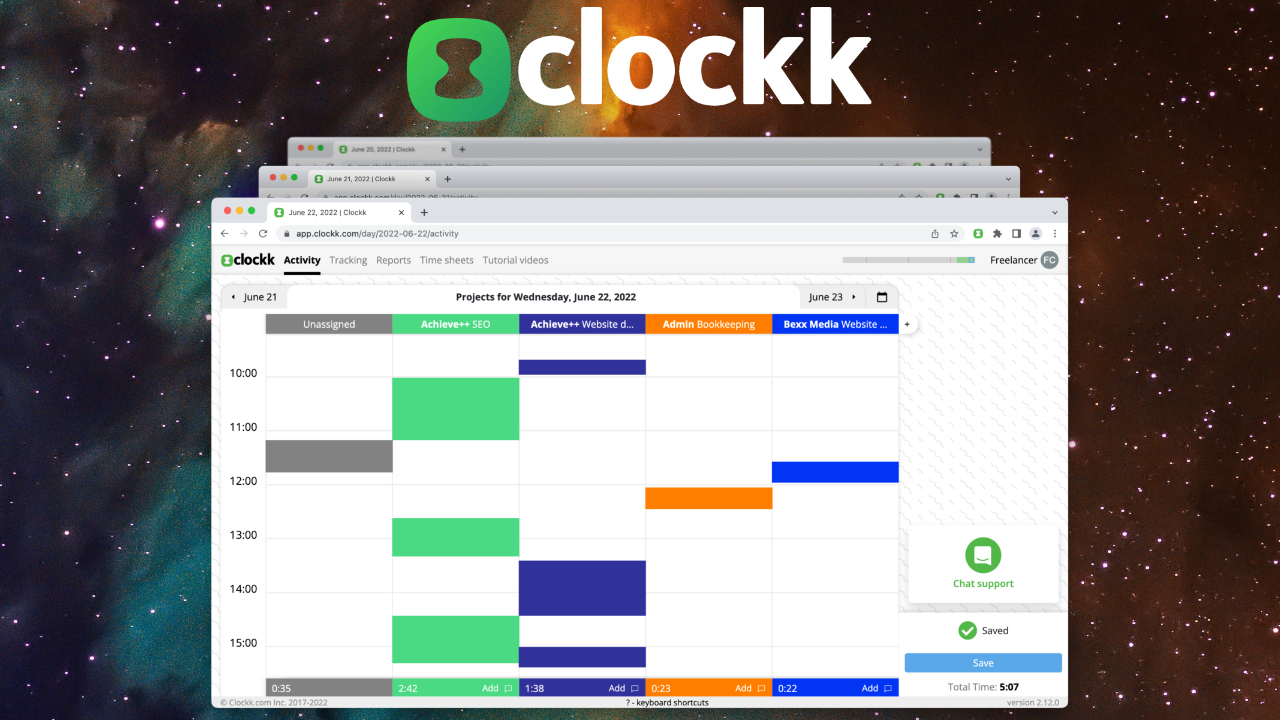
- Visual timeline for reviewing and adjusting entries: You see your day as blocks. You spot the switch at 2pm and fix it in seconds.
- Daily insight emails with time analysis: You get a morning summary of where yesterday went. No digging through menus.
- Timer-free background tracking: You never touch a button. The app runs and waits for you to confirm.
- Privacy controls you set yourself: You choose what your team or clients can see. It does not feel like surveillance.
- Responsive support when you need help: You hit a snag and get an answer fast. That matters when billing is due.
Why you should ignore it
Skip it when precision matters more than speed.
- You need task-level detail for billing disputes: Clockk logs the project, not the task. You cannot prove you spent 30 minutes on a specific sub-task.
- You want offline tracking: No internet means no log. Commute time or plane work needs manual entry.
- You need free or cheap: It runs $15 per user monthly. There is a free trial, but long-term use costs more than basic timers.
- You want to assign random URLs to projects: Unusual sites do not get auto-tagged. You cannot force a match the AI does not know.
- You run a large team: Reviews suggest it fits small shops better. Enterprise billing and permissions are not its strength.