
Clockify
Freemium
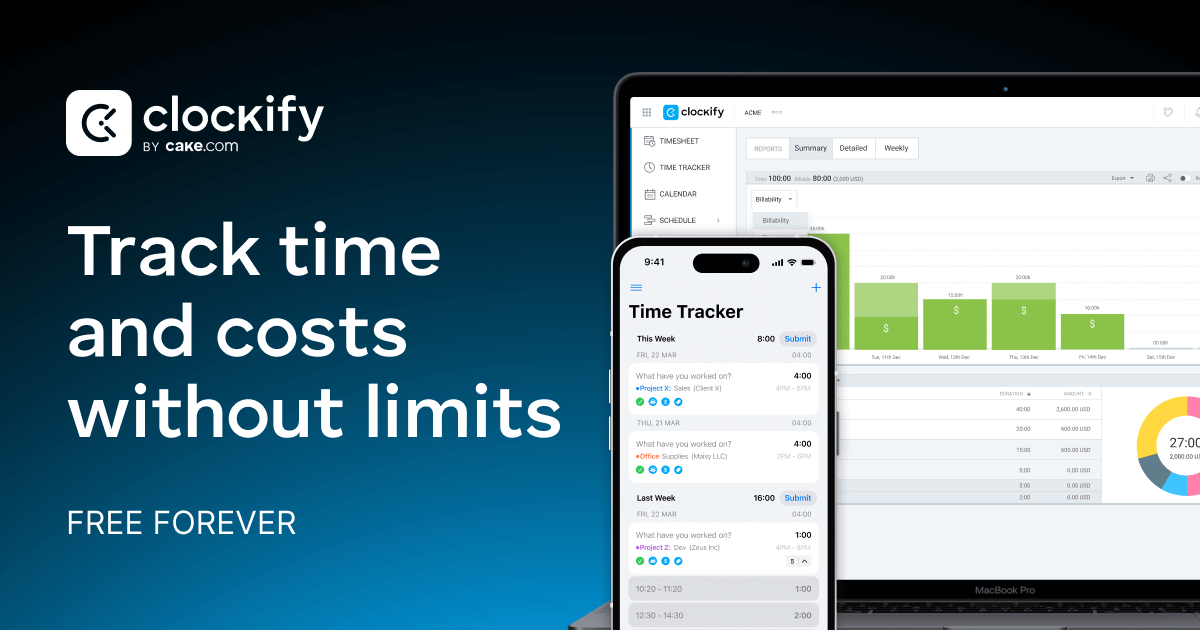
Track work hours using a timer, timesheet, calendar, or auto-tracker, manage projects and schedules, and generate reports for invoicing and payroll.
About
Clockify is a time tracking tool in the productivity space. You use it to log work hours, organize them by project and client, and turn that data into reports or invoices.
The free plan is unusually generous. You can track unlimited hours and projects at no cost, though team size is now capped at five users.
It works across desktop, web, and mobile. You get timers, timesheets, calendar views, and browser extensions that connect to tools like Trello and Asana.
Open it if you need simple time tracking on a tight budget. Skip it if you need payroll integration or advanced scheduling.
Who Clockify is best for
These are the people who actually get the most from it.
- Small businesses with tight budgets: You get unlimited tracking without paying for seats. The free tier covers most needs until you grow past five people.
- Teams needing unlimited free seats: You can add users without hitting a hard limit on tracking volume. This is rare among competitors.
- Organizations wanting cross-platform flexibility: You can start a timer on desktop, stop it on mobile, and review it on web. Everything syncs.
- Freelancers billing by hour: You mark time as billable, tie it to clients, and export reports for invoicing. The browser extension removes the friction of switching apps.
- Project-based teams and agencies: You organize work by project, task, and tag. Timesheet templates let you copy recurring weekly structures instead of rebuilding them.
- Consultants tracking billable hours: You run multiple timers, switch between clients, and separate billable from internal time. Reporting shows where hours actually went.
- Non-technical employees who need intuitive time tracking: The big red timer button is hard to miss. Most people start logging within minutes of signup.
- Teams transitioning from Harvest who can tolerate weaker accounting integrations: You get similar time tracking with a lower price tag, though payroll and accounting exports need workarounds.
Best things about Clockify
These are the parts that keep you using it after the first week.
- The browser extension: You start timers inside Trello, Asana, or Jira without changing tabs. This is where the habit actually sticks.
- Timesheet templates: You copy last week's structure and just adjust hours. This saves the repetitive clicking that kills most time tracking.
- Quick setup: You are tracking time in under ten minutes alone, or about an hour for a ten-person team. No certification needed.
- Offline mode: You track without internet and it syncs when you reconnect. This matters for flights, cafes, and job sites with spotty signal.
- Human support: You reach a real person via chat or email, even on the free plan. No AI-only gatekeeping when something breaks.
How you use Clockify
The path from signup to tracked time is short.
- Create a project and add any clients you bill.
- Start the timer from the web app, desktop app, or browser extension.
- Select the project and mark the time billable if needed.
- Stop the timer or switch to a new task.
- Export your weekly report to Excel or generate an invoice on paid plans.
Why you should ignore it
Skip it when these limits would block your work.
- No payroll integration: You export hours and import them manually. Direct connections to ADP or Gusto do not exist.
- Mobile app issues: The iOS and Android apps are slow, cluttered, and lose data on weak connections. You will prefer the desktop or web experience.
- Basic invoicing: You get invoice generation on paid plans, but it is rigid and described as "cookie-cutter." Serious billing needs another tool.
- No geofencing or facial recognition: You cannot prevent off-site clock-ins or time theft. Field teams with trust concerns need stronger controls.
- Workflow fragmentation: You jump between tabs for approvals, scheduling, and reports. The pieces work but do not feel connected.