
ClearCRM
Paid
Manage sales pipelines, automate follow-ups, send quotes and invoices, run marketing campaigns, track projects, and support customers through a unified CRM platform with built-in client portals.
About
ClearCRM sits in project management work. It tries to replace your scattered tools with one login.
You get a visual sales pipeline. You get Kanban boards for projects. You get email automation, invoicing, and a helpdesk. Everything feeds one customer timeline.
The pitch is simple: stop switching tabs. The risk is real: one tool rarely does five jobs well.
Open it if you run a small service business and want fewer logins. Skip it if you need deep power in any single area.
Who ClearCRM is best for
It fits when consolidation matters more than best-in-class features.
- Small service businesses with 1-50 employees: You stop paying for five tools. You trade depth for speed.
- Teams currently using 2-5 separate tools they want to consolidate: You cut the integration headaches. You get one place to check a customer history.
- Solopreneurs needing simple all-in-one solution: You want one bill. You want one thing to learn.
- Budget-conscious startups in marketing, consulting, or home services: You get a low entry price. You test before you commit.
- Teams of 5-200 wanting unified permissions and reporting: You see who touched what. You control what clients can see.
- Companies wanting branded client portals for self-service: Your customers pay invoices and view projects with your logo.
- Teams prioritizing quick setup over complex customization: You go live in days. You skip months of configuration.
- Users who want one tool instead of stitching multiple apps together: You trade the perfect stack for the working stack.
Best things about ClearCRM
These are what you notice after using it for real work.
- Shared timeline per contact: Every email, call, ticket, and invoice shows in one chronological view. You stop digging through five apps to understand one customer.
- Client portal with granular permissions: Customers see only their own quotes and projects. You brand it with your domain and colors.
- Fast deployment: Pipelines and portals go live in days. You skip the months-long implementations you get from enterprise tools.
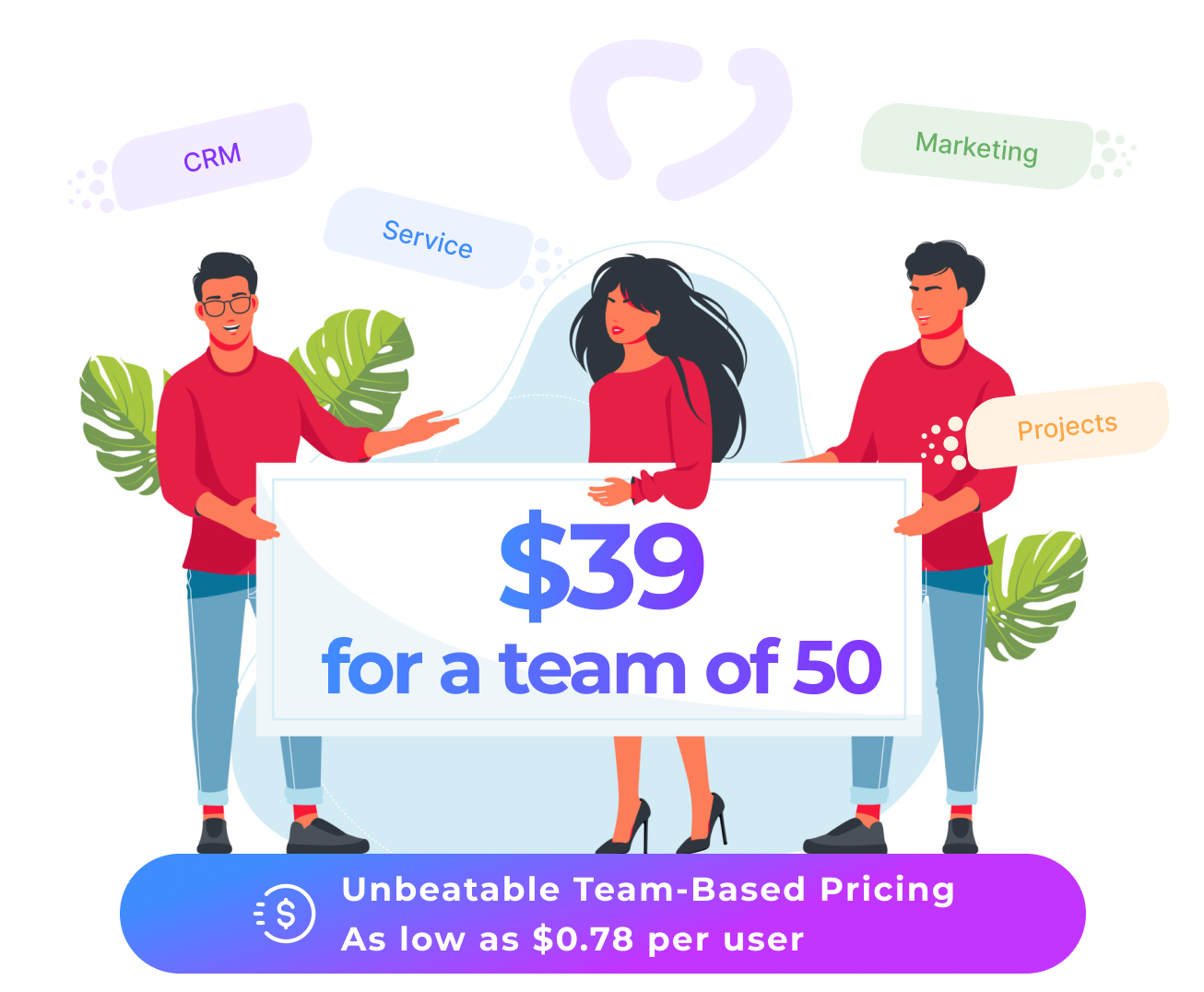
- Transparent team-based pricing: You know your cost upfront. Annual discounts help, though watch for add-ons that creep up.
- AI chat assistant in mid-tier plans: You bring your own OpenAI key. You get help drafting without paying enterprise rates.
Why you should ignore it
Skip it when these limits block your work.
- Skip if you need deep marketing attribution: The email and campaign tools work. They do not replace dedicated marketing stacks.
- Skip if you run social media at scale: The social inbox is basic. You will still need specialized tools for real social work.
- Skip if you need heavy API access: Deep customization and API features sit in the highest tier. You pay more to build on top.
- Skip if per-user pricing breaks your budget: Flat-rate alternatives win at scale. Your headcount becomes your bill.
- Skip if AI-generated content must be perfect: You still review everything before sending quotes and contracts. The draft speeds you up; it does not replace you.