
ChatComparison.ai
Free
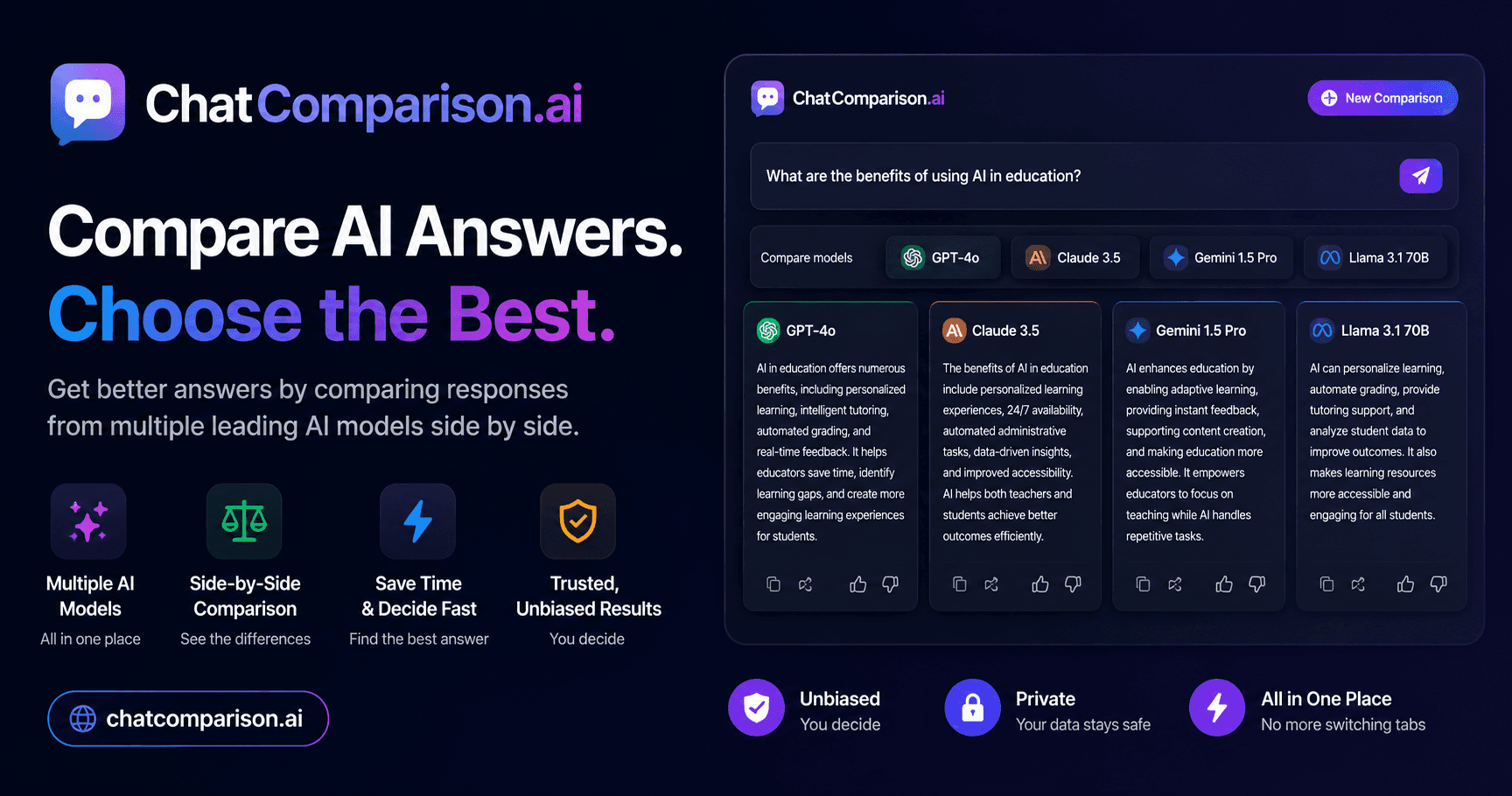
Compare AI model outputs side-by-side in a browser, view quality scores, costs, and response times, and get recommendations for the best model per task.
About
ChatComparison.ai is a prompt engineering tool that puts AI model responses side by side for the same prompt. You type once and see what GPT-4, Claude, Gemini, and others give back.
The tool shows quality scores, cost per request, and response time for each model. It then flags which one performed best for your specific task.
You can test models from OpenAI, Anthropic, Google, and other labs without buying separate subscriptions. Mobile access exists but limits you to two models at once.
Open it if you need to pick a model for production work. Skip it if you already know which model you want or if you need deep evaluation across many prompts.
Who ChatComparison.ai is best for
It fits when you are deciding which model to trust with real work.
- AI researchers evaluating model capabilities: You get a quick read on how different models handle the same task. You still need broader testing before you publish findings.
- Developers selecting the right model for their application: You see latency and output quality together. You avoid committing to one provider before you know the trade-offs.
- Product teams testing AI responses for different use cases: You compare tone and accuracy in one view. You still run your own use-case specific tests later.
- Content leads comparing models for client drafts: You skip the copy-paste dance between browser tabs. You get a faster sense of which model matches your client's voice.
- Founders optimizing AI spend: You see cost per request next to quality scores. You spot cheaper models that might work for your workflow.
- ML engineers evaluating latency before integration: You get response time data without building your own test rig. You still need to test under your actual load conditions.
- AI product managers selecting models for product tasks: You compare outputs for specific features you are building. You make a more informed pitch to your team.
- Users who want a quick 2026 model overview before signing up elsewhere: You see benchmark numbers and pricing claims in one place. You use that to narrow your options before you commit.
- People researching which AI model fits their budget and task type: You match cost to capability for your specific prompt. You avoid overpaying for a model you do not need.
Best things about ChatComparison.ai
These are the parts that stuck out after using it.
- Side-by-side output: You see responses lined up in one view. Differences in tone and style jump out immediately.
- No tab switching: You stop copying the same prompt between ChatGPT, Claude, and Gemini windows. You save real time on every comparison.
- Free to start: You test without creating an account. You lower the barrier to casual experiments.
- Quality, cost, and speed together: You get three metrics in one glance. You make faster trade-off decisions.
- Economic comparison built in: You spot cheaper models that give adequate output. You cut your AI bill without guessing.
Why you should ignore it
These limits matter for some workflows.
- Mobile is cramped: You can only compare two models at once on your phone. The main value—seeing many options—disappears.
- Pricing is steep for occasional use: Paid plans start around $15 monthly but one source cites $33.50. You pay more than some actual chatbot subscriptions just to compare them.
- Single prompts only: You get one response per model, not systematic evaluation. Picking for production still needs broader testing.
- Model claims are fuzzy: You see "40+ models" advertised but the full list is not documented. You might sign up expecting a specific model and find it rotated out.
- No API or developer platform: You cannot plug this into your own tools. You are stuck in the web interface.