
Capsule
Free
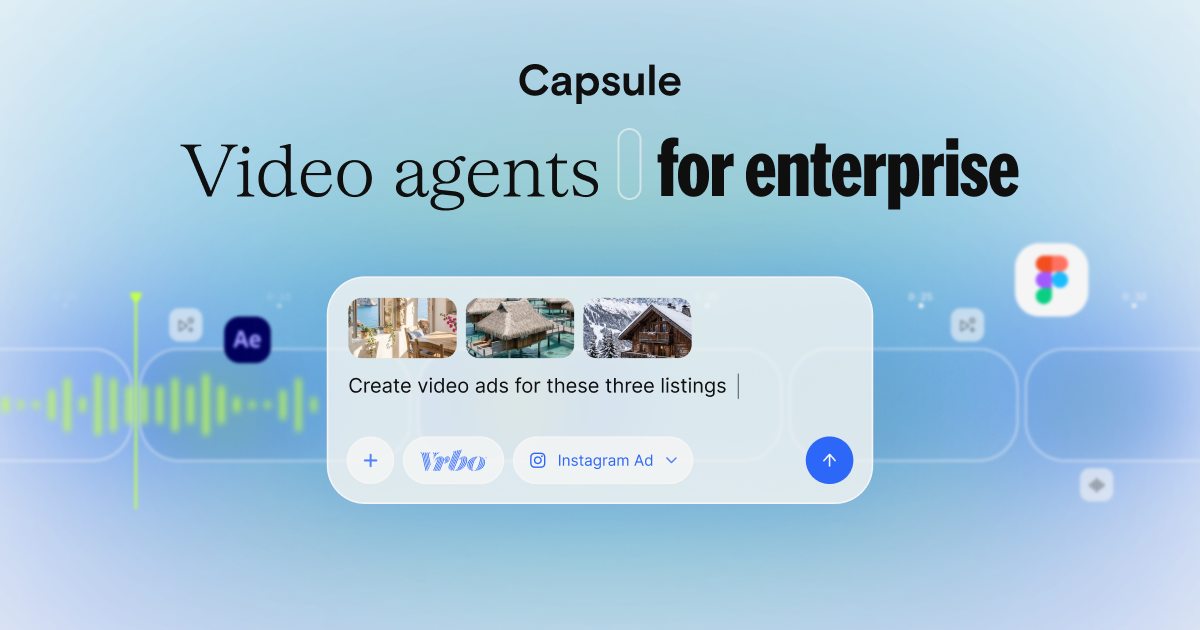
Create branded videos from text prompts using AI-guided templates, with After Effects conversions for non-designers and chat-based video agents for enterprise teams.
About
Capsule sits in video generation for enterprise teams who need branded content without a full creative department.
You talk to an AI agent or click through a web editor that works like PowerPoint. It turns text and templates into finished videos.
The pitch is brand control at speed. The reality is mixed: some workflows click, others fight you.
Open it if you need fast, locked-down brand video. Skip it if you want creative freedom or reliable stability.
Who Capsule is best for
It helps when these jobs are in front of you.
- Enterprise marketing and communications teams needing brand-consistent video at scale: You get one-click Motion Design Systems that keep junior staff from drifting off-brand. You still need IT patience for the rough edges.
- Internal comms and HR departments producing training videos without creative team dependency: You write a script and get a finished video without touching After Effects. You cannot color-correct or light the footage.
- Sales enablement teams creating personalized video content quickly: You drop in contact details and apply templates. You work within the three preset themes unless you book a sales call.
- Organizations prioritizing brand governance over granular creative control: You trade flexibility for lock-in. You get consistency but not customization.
- Content creators and YouTubers with basic needs: You edit video like a Word doc—delete text, cut footage. You hit hard limits on advanced edits.
- Social media video producers: Auto Frame resizes for platforms automatically. You still need to tweak exports per platform.
- Beginners with no technical editing knowledge: The PowerPoint-style interface feels familiar. The learning curve for CapsuleScript and advanced features is real.
- Sales reps prepping for calls with existing contacts: You pull AI summaries of your last 50 activities before you dial. Your quota is 20 summaries per 30 days.
Best things about Capsule
These are the parts you notice after a few tries.
- Motion Design Systems: Import After Effects templates once. Anyone on the team applies them with one click. Brand governance finally works for video.
- Text-based editing through Co-Producer: Delete sentences from a transcript. The video cuts automatically. No timeline scrubbing, no razor tool.
- AI Productions workflow: Build an AI actor in five minutes. Generate takes with different energy. Apply lower-thirds without touching a design tool.
- Auto Frame multi-format export: Push to Instagram, LinkedIn, and YouTube without manual recomposition. One less tedious job.
- VoiceMagic and Auto Jump Cut: Clean audio and tighten pacing with single clicks. The rough cuts look more finished.
How you use Capsule
The path splits by what you need.
- Open the chat-based agent or the web editor.
- Describe your video or pick a Motion Design System template.
- Write or paste your script.
- Review the AI-generated draft and edit via transcript.
- Export in your needed formats.
Why you should ignore it
Skip it when these limits block your work.
- No drag positioning: You type X,Y coordinates to move video in the frame. No one should still do this.
- No color correction, lighting, or transitions: Your footage stays as-shot. You cannot polish it.
- Frequent crashes and load hangs: Larger files freeze the browser. You lose work.
- Custom themes locked behind sales: You get three presets. Anything else needs a call.
- Strict AI summary quotas: Twenty summaries per month for CRM use. Refreshing burns your limit.