
Calendly
Freemium
Schedule meetings with shareable booking links, automate reminders, capture notes with AI, and collect payments, using web and mobile apps with 150+ integrations.
About
Calendly is a scheduling platform for productivity work. It automates the back-and-forth of booking meetings.
You connect your calendar, set when you are free, and get a link to share. People pick a time that works. The tool blocks your calendar so nothing double-books.
It runs in a browser. There are mobile apps and browser extensions too.
Open it if you book meetings with people outside your company. Skip it if you need deep customization or work mostly inside one team with shared tools.
Who Calendly is best for
These are the people who get the most from it.
- Small business owners and solopreneurs who need professional scheduling: You look more put-together when clients book themselves. No more email chains.
- Coaches and consultants who want integrated payment and note-taking: You can take money upfront and get meeting summaries without extra tools.
- Sales and support teams needing round-robin or collective scheduling: Leads hit the right person automatically. No manual handoffs.
- Recruiters managing high-volume scheduling: You cut the time to book interviews by half or more.
- Freelancers juggling multiple clients and time zones: Your calendar stays clean across Gmail profiles and regions.
- Anyone with simple needs who can work within one event type on free tier: One meeting length, one link, zero cost.
- Teams using Google Calendar or Outlook as primary calendar: Sync just works. No fights between tools.
- International users needing multilingual booking pages: Clients see times in their own zone and language.
- Users prioritizing speed of setup over deep customization: You are booking in minutes, not hours.
Best things about Calendly
These are the parts you notice after a week of use.
- Booking links that just work: You paste one URL and people pick a slot. No more "when are you free" emails.
- Calendar sync that prevents double-booking: You stay calm knowing your real availability is what people see.
- Automatic time zone detection: You stop worrying about whether 3 PM means your 3 PM or theirs.
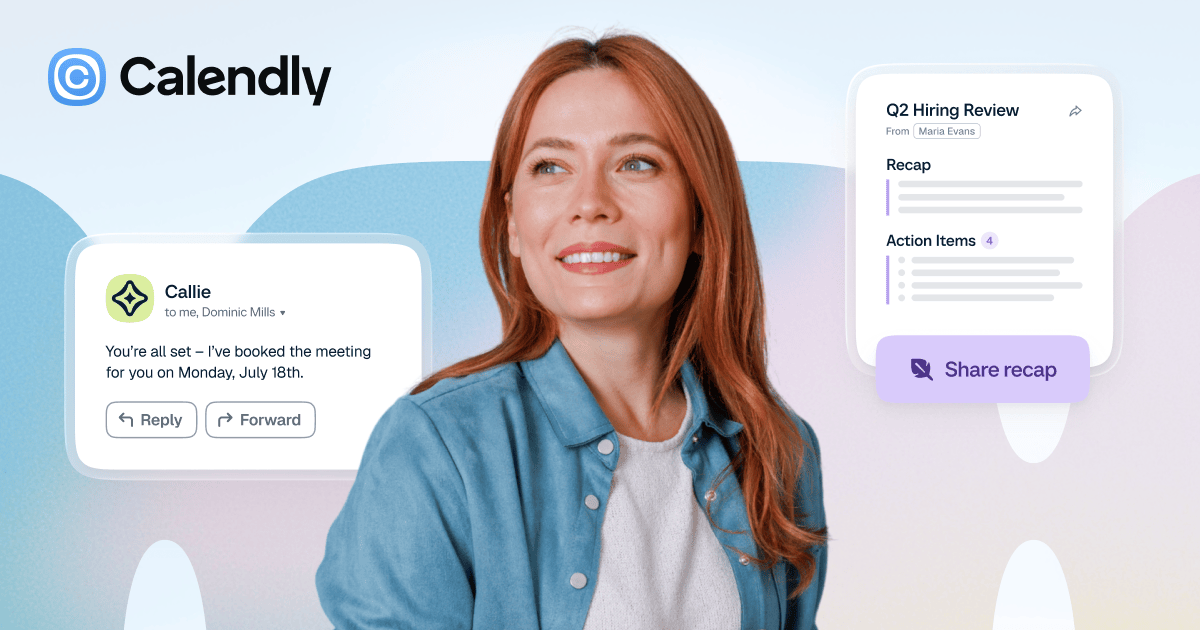
- AI notetaker for meeting summaries: You get transcripts and recaps without typing during the call.
- Round-robin and collective scheduling: Your team shares the load fairly without you managing a spreadsheet.
- Clean embedding for websites and emails: Your booking page looks like part of your site, not a popup from 2012.
Why you should ignore it
Skip it when these limits block you.
- Free plan limited to one event type: You cannot offer a 15-minute screen and an hour consult without paying.
- No Apple Calendar for new users: You are locked to Google or Outlook if you joined after August 2024.
- Pricing jumps for useful features: Reminders, multiple event types, and payments start at $10 per seat. AI pushes to $18.
- Interface redesigns made it less intuitive: Longtime users say it was simpler three years ago.
- Mobile app flakiness: Sync issues and a harder-to-navigate design frustrate when you check on the go.
- Limited admin tools: You cannot easily clean up duplicate event types across a team.