
Blackbox
Paid
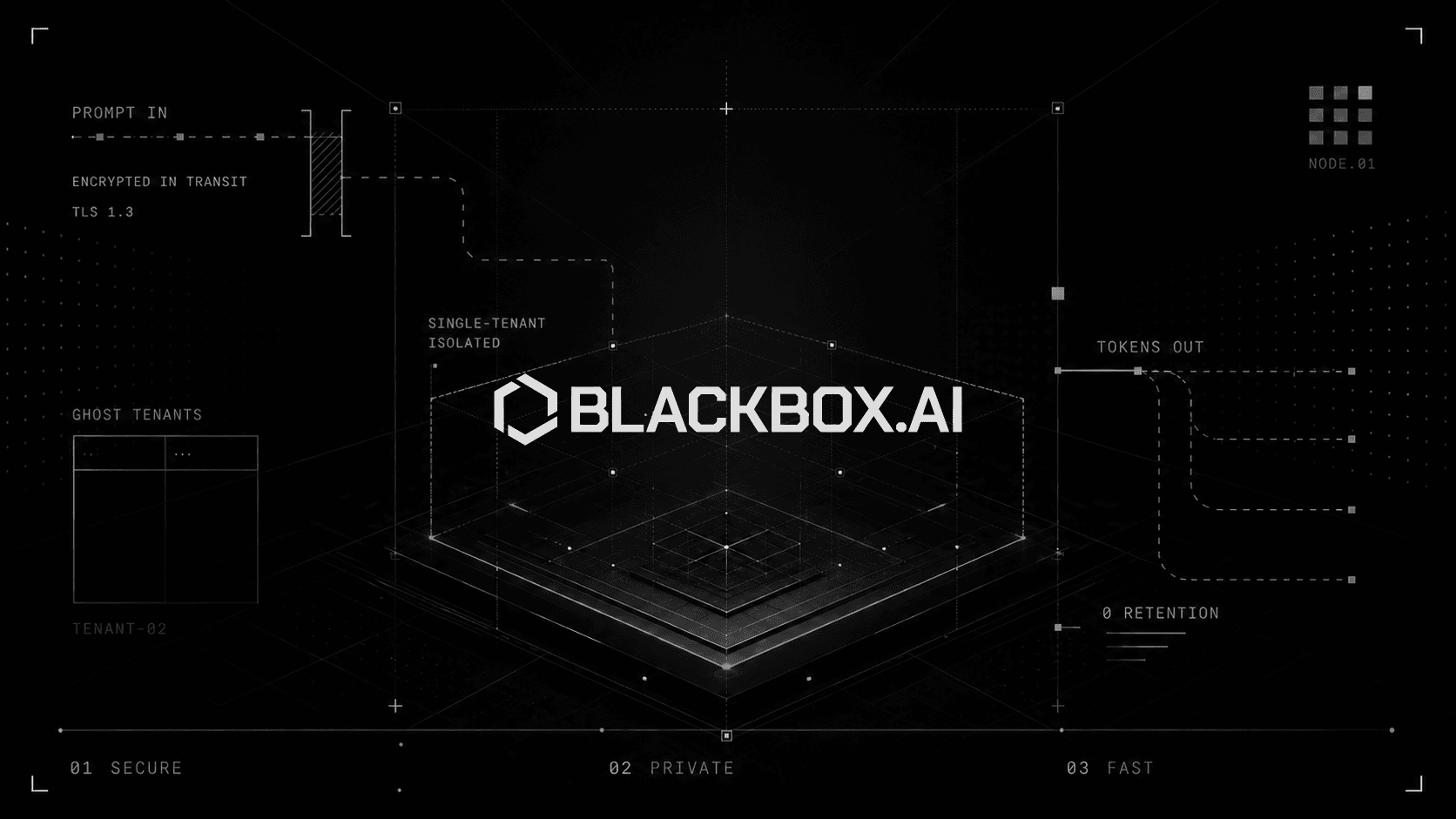
Run AI inference with client-side encryption through a dedicated deployment or multi-model endpoint, with GPU selection, fine-tuning options, and zero data retention for enterprise security requirements.
About
Blackbox is a coding assistant that sits in your IDE. It runs multiple AI models at once and picks the best answer. That is the pitch.
You type what you want in plain words. It writes code across your whole project, not just the file you have open. It can also turn a Figma screenshot into React code.
This is a coding assistant. It only does code. It will not help with other work.
Open it if you live in VS Code or JetBrains and want AI that sees your whole codebase. Skip it if you want a tool that handles design, research, or general tasks.
Who Blackbox is best for
These are the people who actually get value from it.
- Frontend developers who heavily use image-to-code conversion: You turn Figma designs or whiteboard sketches into React and Tailwind fast. This is the one feature that saves real hours.
- Developers needing project-wide reasoning not just file-level autocomplete: You get context across folders, Git commits, and specific files. The tool sees your whole codebase, not just the open tab.
- Power users wanting multi-agent execution across top LLMs: You choose from 300+ models and let a "Chairman LLM" pick the best result. This helps on tricky problems where one model might fail.
- Teams requiring autonomous background task execution: You assign long jobs that run in isolated sandboxes while you work elsewhere. The agent keeps going without blocking your editor.
- Developers converting legacy code or modernizing codebases: You get multi-step planning and execution across many files. This is built for refactoring work, not just new code.
- Enterprises needing SAML SSO, training opt-out, and on-premise deployment today: You get security features that actually ship, not roadmaps. The encryption and data controls work now.
- Students using the free plan for learning: You get step-by-step explanations that teach why code works. The free tier has real limits, but it is enough to learn.
- Professional developers wanting to offload entire features: You describe a whole app in natural language and watch it plan, code, and test. This is the "AI agent" promise, and it sometimes delivers.
- Teams prioritizing security with end-to-end encryption needs: Your data encrypts before it leaves your device. The operator never holds plaintext.
Best things about Blackbox
These are the parts that keep you coming back.
- VS Code extension with deep integration: It installs from the marketplace in seconds. No API keys. No terminal commands. You log in and start assigning tasks.
- Image-to-code from screenshots: You point it at a Figma frame or a photo of a whiteboard sketch. It spits out working React with Tailwind styles.
- Multi-model code generation: You get Claude, Codex, Gemini, and others running in parallel. The best answer wins, not just the one model you picked.
- Voice mode for hands-free queries: You talk to it while your hands stay on the keyboard. This works better than you expect for quick lookups.
- Background CLI task execution: You set a long job running in an isolated worktree. It finishes while you edit something else.
- Full project context awareness: It indexes your whole repo, your Git history, and URLs you point it to. The answers use more than just the current file.
How you use Blackbox
Getting started is simple.
- Install the extension from the VS Code or JetBrains marketplace.
- Log in with your account. No API keys needed.
- Open the chat panel and describe what you want in plain words.
- Review the plan it shows you before it executes.
- Accept or edit the changes it proposes across your files.
Why you should ignore it
The problems are serious and repeated.
- Billing is a minefield: Credits expire monthly with no rollover. Charges appear without warning emails. Canceling is deliberately hard.
- Support is almost non-existent: Tickets go unanswered for days or weeks. You are on your own when something breaks.
- Reliability issues: Authentication fails with cryptic errors. Models get stuck in loops. The Chrome extension is rated 2.7/5 for good reason.
- Not for beginners: The learning curve is steep. It assumes you already know how to code and how to review AI output.
- Context limits: There is no true unlimited context. You still hit walls on very large codebases.