
Beautiful.ai
Paid
Create professional presentations using AI-assisted workflows, auto-aligning Smart Slides, and shared brand themes, with options to add voice narration and track viewer engagement.
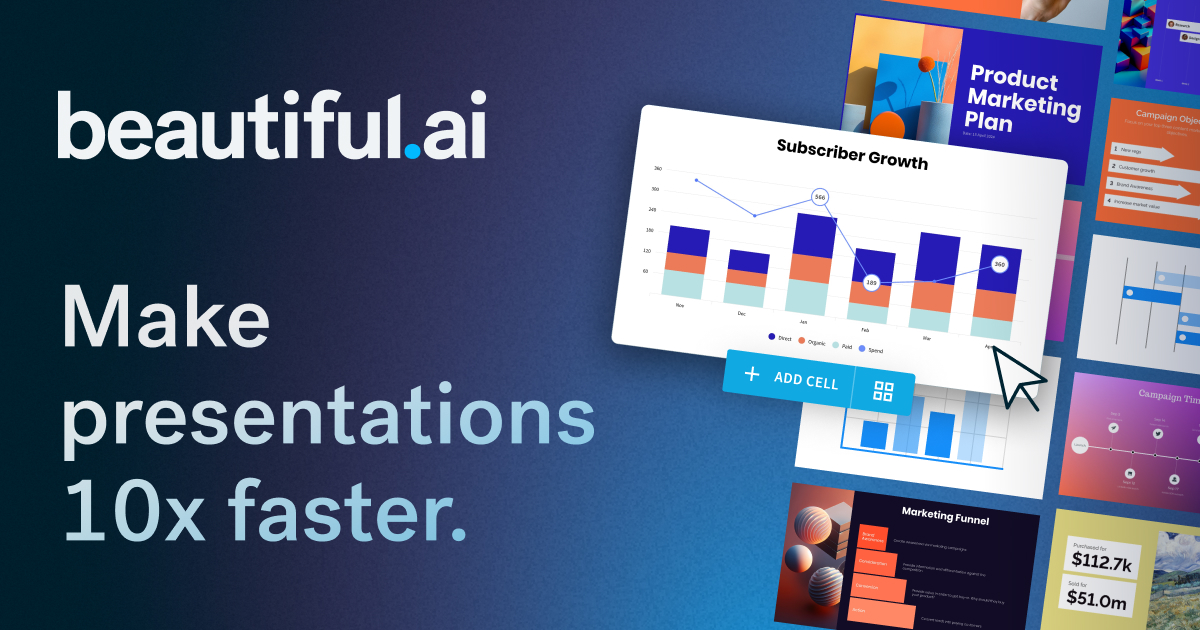
Beautiful.ai is an AI-powered presentation platform that sits in the presentations category. It builds slides for you and keeps them looking consistent without manual formatting work.
About
Beautiful.ai is built around Smart Slides—intelligent layouts that auto-adjust spacing, alignment, and sizing as you edit. You can start from a prompt, a document, or pick from over 300 pre-designed layouts. The tool enforces brand colors and fonts so teams stay consistent.
The trade is clear: you get speed and polish, but you lose fine-grained control. When the template fits your content, you save serious time. When it does not, you hit a wall.
It works in the browser only. No offline access. Exports to PowerPoint exist, but fonts and formatting often need cleanup after.
Open it if you need polished slides fast and your content fits standard layouts. Skip it if you need custom positioning, complex animations, or heavy PowerPoint integration.
Who Beautiful.ai is best for
It helps most when your job matches what the tool assumes.
- Solo professionals and small teams who present often: You get client-ready decks in under two hours without touching design software. The time savings add up fast.
- Teams with established brand assets who need quick, consistent production: Your brand kit locks colors and fonts. Multiple authors still look like one team.
- Users whose content fits standard layouts most of the time: Timeline slides, team pages, and comparison charts auto-balance as you type. No pixel-nudging required.
- Sales teams building repeatable, personalized decks: You reuse templates and swap client details. The structure stays solid while the content changes.
- Marketing teams needing fast, on-brand campaign reports: You import data from Google Sheets or Excel in under a minute. Charts stay editable and clean.
- Founders creating investor updates and pitch decks: You look professional without hiring a designer. The output holds up in boardrooms.
- HR and IT teams producing training and onboarding materials: You build once and share as links. Viewer analytics show who watched and how far they got.
- Teams that share decks as links rather than PowerPoint files: Your audience sees the live version. You track engagement slide by slide.
- Corporate teams prioritizing speed over granular layout control: You accept the guardrails. The automation assumptions hold for standard business decks.
Best things about Beautiful.ai
These are the parts you notice after building a few decks.
- Smart Slides that auto-format as you edit: Add a third bullet and the layout rebalances itself. You never resize a text box or nudge an image again.
- Brand kit enforcement: Upload your colors, fonts, and logos once. The system refuses templates that conflict. Gamma and Canva only suggest; Beautiful.ai blocks.
- Create with AI from documents and URLs: Feed it PDFs, Word files, or web links—not just prompts. You get an outline to edit before the slides generate.
- Fast chart creation from live data: Connect Google Sheets, Excel, or Airtable. Your numbers update without rebuilding the slide.
- Viewer analytics on shared decks: See who opened your deck and which slides they lingered on. PowerPoint exports cannot do this.
- Clean PowerPoint exports with speaker notes: Your slides land editable in PowerPoint with notes intact. About 85 percent clean, which beats most competitors.
How you use Beautiful.ai
The path is short but has a critical checkpoint.
- Start from a prompt, upload a document, or pick a template layout.
- Edit the outline before you generate—catch unsupported claims and fix units.
- Add your content and watch Smart Slides auto-adjust spacing and alignment.
- Apply your brand kit so colors and fonts stay locked.
- Share as a link for analytics, or export to PowerPoint for stakeholders.
Why you should ignore it
Skip it when your needs break the assumptions.
- You need custom layouts or freeform positioning: Smart Slides force equal sizing and standard spacing. Classic Slides exist as an escape hatch, but you lose auto-formatting and hand-align everything.
- You rely on heavy PowerPoint integration: Exports often need 20 to 45 minutes of cleanup per deck. Fonts substitute. Animations break. Elements convert to shapes and lose editability.
- You need to work offline: No internet means no access. The desktop player only works on paid plans and still needs connectivity to sync.
- Your content is technical or highly specialized: AI drafts generic copy on complex topics. You spend time rewriting every slide.
- You want a free tier to test properly: The 14-day trial requires a credit card and auto-renews to annual billing. Cancel within 24 hours if you want a refund.