
Artbreeder
Freemium
Create and remix images using AI-powered tools that let you mix visual elements, edit interpretable attributes, and collaborate with other creators in an online platform.
About
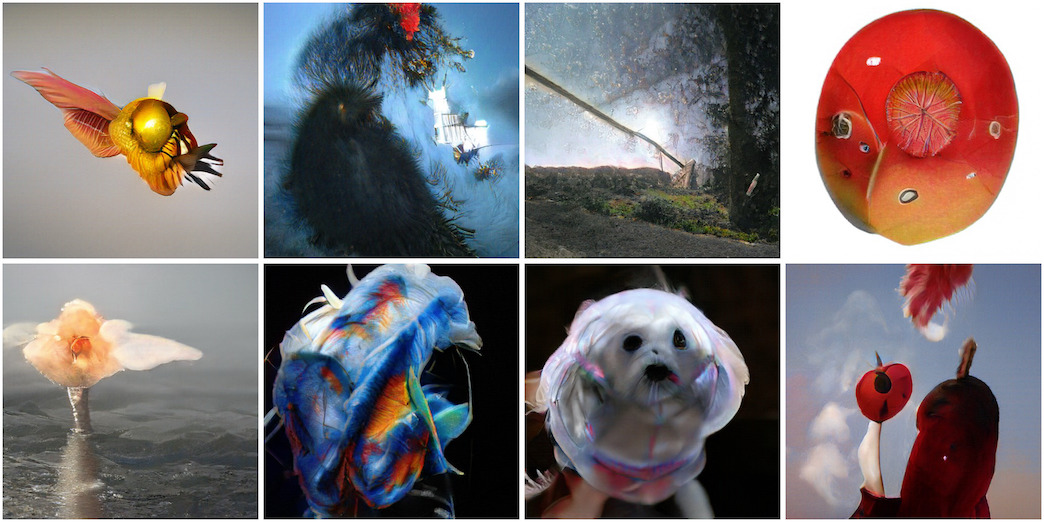
Artbreeder is an image generation tool that works more like a genetics lab than a text prompt box. You blend images and slide controls to make new portraits, characters, and landscapes.
It uses GAN models like StyleGAN and BigGAN. You start with existing images, mix their "genes," and tweak traits like age, gender, and color with visual sliders.
The platform runs in your browser. It keeps your work public by default, so others can see and remix what you make.
Open it if you want visual control over character creation. Skip it if you need strict consistency or start-from-scratch generation.
Who Artbreeder is best for
It fits people who think better with buttons and sliders than with text prompts.
- Users who prefer visual over textual control: You move sliders instead of writing descriptions. The results come faster to your eye.
- Experimental designers exploring variations: You can branch and remix endlessly. Each mix shows you something you did not plan.
- Early character concept exploration: You find unexpected directions before locking a design. The blending pushes ideas you would not type.
- Writers needing character portraits for stories: You get a face to match your character. The visual helps the writing click.
- Game developers creating concept characters and landscapes: You build quick references for your team. It is faster than briefs to an artist.
- Budget-conscious users wanting affordable AI art tools: You start free and pay around $8 monthly for more. This is low for the category.
- Beginners wanting slider-based control without prompt engineering: You skip learning prompt tricks. The tool shows you what each slider does.
- Creators who enjoy experimental, collaborative workflows: You can join remix parties and daily contests. The community feeds back into your work.
Best things about Artbreeder
These are the parts that keep you opening it again.
- Slider-based gene editing: It feels tactile and immediate. You see the face change as you drag.
- Image blending you cannot find elsewhere: Mix a portrait with a landscape. Get something haunting you would never prompt yourself.
- Strong free tier: You can test all core tools before paying. Ten credits per month runs out fast, but it is enough to learn.
- CC0 license by default: You can use your creations commercially. No legal checking needed.
- Multiple specialized tools: Splicer2, Mixer, Composer, Collager, and more. Each fits a different stage of your project.
How you use Artbreeder
The workflow is visual breeding, not prompting.
- Pick a starting image or upload your own.
- Choose a second image to blend, or open the gene sliders.
- Drag sliders or adjust the mix ratio to shape the result.
- Save the image you like, or branch it for more variations.
- Share to the public gallery or keep private if you pay.
Why you should ignore it
It is the wrong tool for some jobs.
- You need expression consistency: The same character changes unpredictably. You cannot lock a face across poses or moods.
- You want to start from scratch: Everything derives from existing images. There is no blank canvas.
- You need pixel-level editing: There are no brushes or layers. You will export to Photoshop for fixes.
- You want private work for free: Free accounts show everything publicly. Privacy costs extra.
- You rely on text-to-image quality: Midjourney and DALL-E beat it for prompt-based results. Artbreeder is a different trade.