
aiCarousels
Freemium
Create multi-slide social media carousels using AI-generated content and templates, with auto-resizing designs for LinkedIn, Instagram, and TikTok, starting free without sign-up.
About
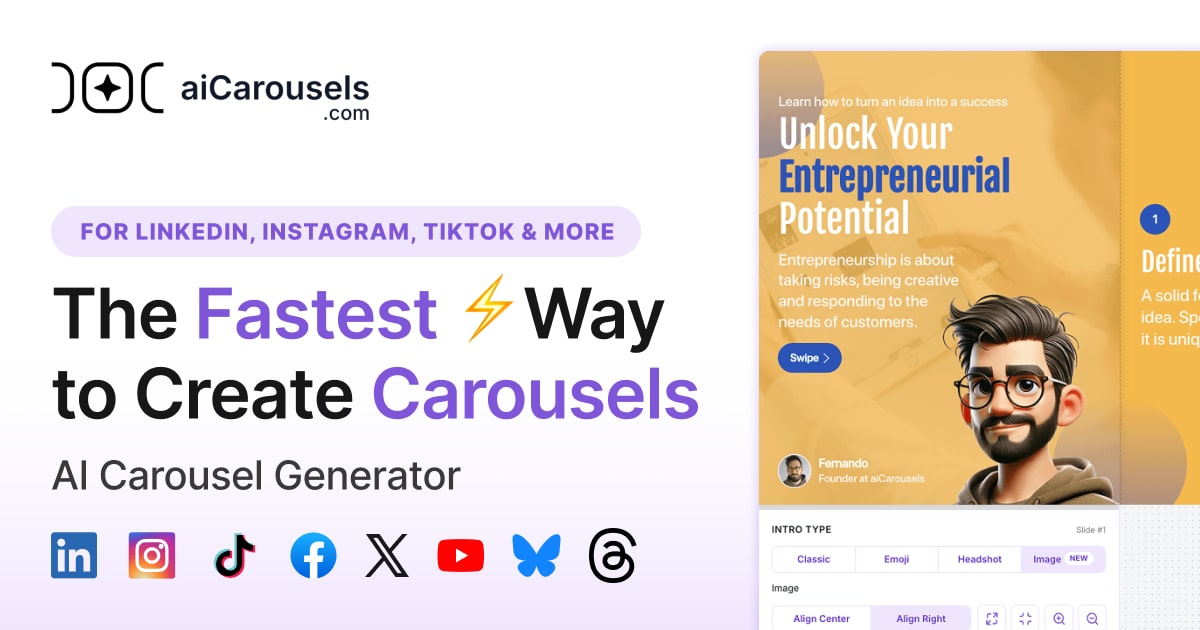
aiCarousels sits in design work. It makes multi-slide social posts for LinkedIn, Instagram, and TikTok. You feed it a topic, text, URL, YouTube video, or PDF. It gives you formatted slides with suggested copy.
The free tier lets you start without signing up. Paid plans unlock extras: a LinkedIn post generator, infographic maker, quote cards, post ideas, and a headshot tool.
It is built for speed, not fine control. You trade design depth for getting something posted fast.
Open it if you need quick carousels without touching design software. Skip it if you need pixel-perfect custom visuals or team workflows.
Who aiCarousels is best for
It fits when you have content to post and no time to design.
- Marketers needing content repurposing: You turn blog posts, PDFs, or videos into slides. The draft is ready in minutes.
- Founders building personal brand on LinkedIn: You get consistent educational posts without hiring a designer.
- Freelancers managing multiple client accounts: You batch-create carousels for different brands using saved themes.
- Non-designers wanting professional results quickly: Templates and auto-resize remove the blank-page problem.
- Educators creating digestible visual content: You break complex material into bite-sized slides students actually read.
- Small businesses with minimal design budget: You skip $50-100 per post and still look polished.
- LinkedIn creators specifically: The PDF export fits LinkedIn's document post format perfectly.
- Content creators repurposing existing material: You extend the life of a YouTube video or article into a new format.
Best things about aiCarousels
These are the parts that stay useful after your first try.
- Auto-resize text: The tool sizes your copy for each platform. You stop tweaking margins by hand.
- Multiple input formats: Paste a URL, upload a PDF, drop in a YouTube link, or type a topic. It meets you where your content lives.
- Template-based workflow: You pick a layout, change colors to match your brand, and export. No staring at a blank canvas.
- PDF and JPG sequence exports: You get the right format for LinkedIn documents or Instagram carousels without conversion apps.
- Bonus tools in Pro: One subscription covers infographics, quote cards, and post ideas. You do not need three separate tools.
How you use aiCarousels
The path is short.
- Choose your starting point: topic, text, URL, YouTube video, or PDF.
- Let the AI generate slide structure and suggested copy.
- Pick a template and adjust colors, fonts, and images to match your brand.
- Export as PDF for LinkedIn or JPG sequence for Instagram and TikTok.
- Upload manually to your chosen platform.
Why you should ignore it
Skip it when the fit is wrong.
- Limited design control: You cannot move elements freely or upload custom fonts. Precise layouts live in Figma or Illustrator.
- No automated publishing: The "Post" button gives instructions, not a direct upload. You still open LinkedIn or Instagram yourself.
- Free tier restrictions: AI generation, high-res export, PDF imports, and brand kits need a paid plan.
- Template sameness: Your carousels share layouts with other users. Visual distinctness requires manual effort.