
AI Logo Maker
Free
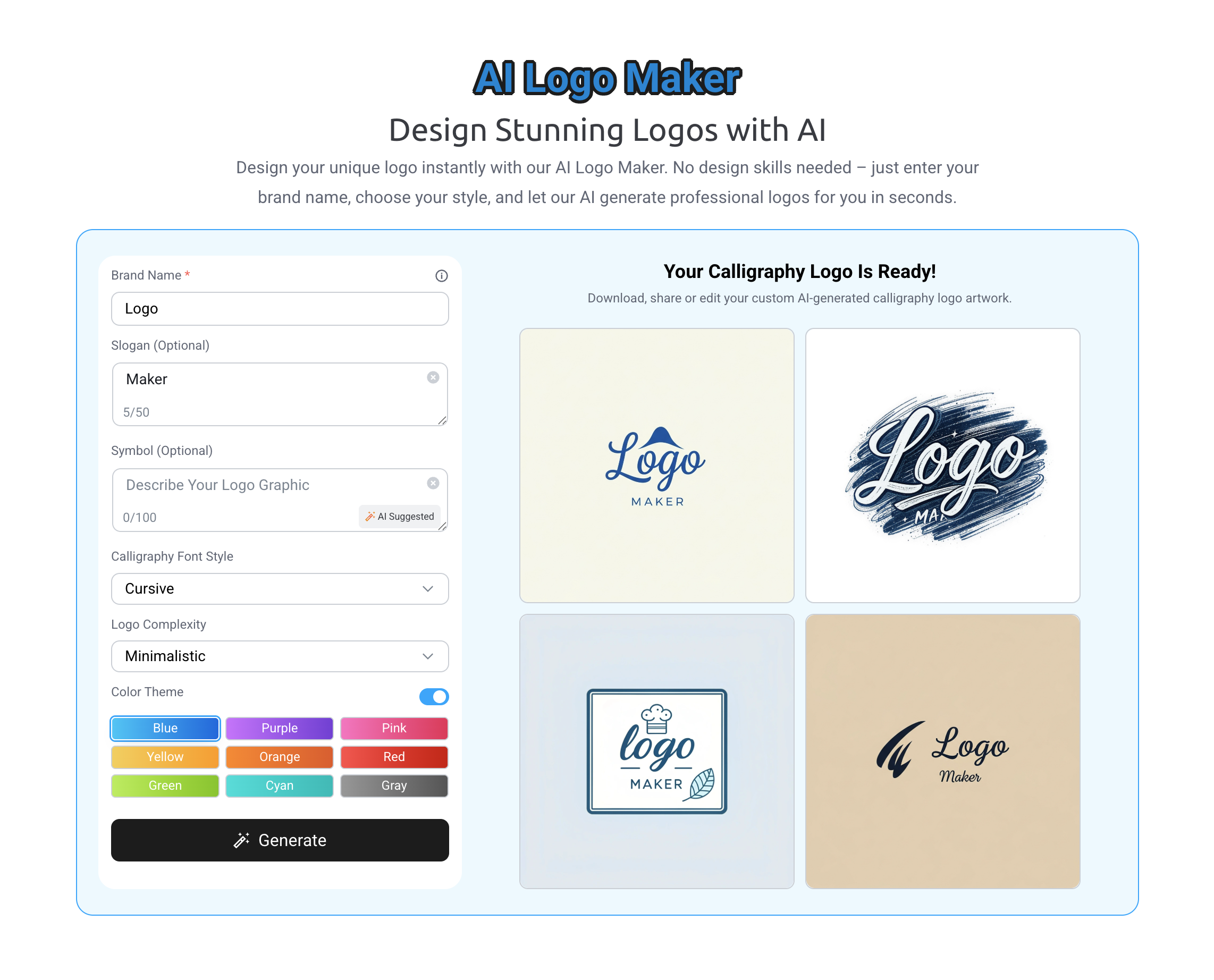
Generate professional logos by entering your brand name and style preferences, then download JPG files ready for web, social, or print use.
About
AI Logo Maker is a web-based logo generator in the Logo Generators category. You type in a brand name, pick a style and colors, and it spits out logo options in seconds.
The tool is free from start to finish. You do not pay to generate or download. Right now you only get JPG files. The site says more formats are coming.
You do not need design skills. The tool holds your hand through choices like cursive, bold, or minimal styles, plus color themes from blue to gray.
Open it if you need a free logo fast and JPG is enough. Skip it if you need vector files or a truly unique mark.
Who AI Logo Maker is best for
You get the most from this tool when speed matters more than polish.
- Users with little to no design experience who need something quick: You get a finished logo without learning design software. The choices are simple and guided.
- Low-stakes projects, student work, or basic brand direction exploration: You test an idea without spending money. You throw it away if it does not fit.
- Small business owners with no design skills: You build a starter brand without hiring help. You use it for social posts and basic web presence.
- Startups needing quick branding basics: You get a placeholder while you focus on product. You replace it later when budget opens up.
- Entrepreneurs needing cost-effective visual assets: You keep your cash for other costs. You still look professional enough to start.
- Content creators building personal branding: You make a logo for your channel or newsletter. You skip the back-and-forth with designers.
- Brainstorming and concept exploration: You generate options to show a real designer later. You clarify what you actually want.
- Early-stage placeholder logos: You put something on a landing page today. You budget for real branding next quarter.
- Internal tools and dashboards: You make a quick icon for a private project. Nobody outside your team sees it.
- Budget-conscious users who don't need comprehensive brand kits: You get one asset, not a whole system. You build the rest yourself.
Best things about AI Logo Maker
These are the parts that work after you try it a few times.
- Free to design and download: You never hit a paywall. Other tools make you pay to export, but this one does not.
- Fast generation: You get multiple options in seconds. You do not wait or refresh.
- Simple style controls: You pick from clear categories like bold or minimal. You do not drown in options.
- Color theme picker: You choose from preset palettes. You keep your logo from looking random.
- No design background needed: You follow prompts instead of making creative calls. You feel guided, not lost.
Why you should ignore it
Skip this tool when these limits block your goal.
- Only JPG output: You cannot scale your logo for print or large formats. You get pixelation when you blow it up.
- No vector files: You need SVG or EPS for professional use. You cannot get those here yet.
- Templated results: Your logo may look like others from the same tool. You sacrifice uniqueness for speed.
- Limited iteration: You tweak presets, not build from scratch. You cannot chase a specific vision if it does not fit the templates.
- No brand kit: You get one logo file, not business card layouts or social templates. You make those yourself.