
AI Email Generator
Freemium
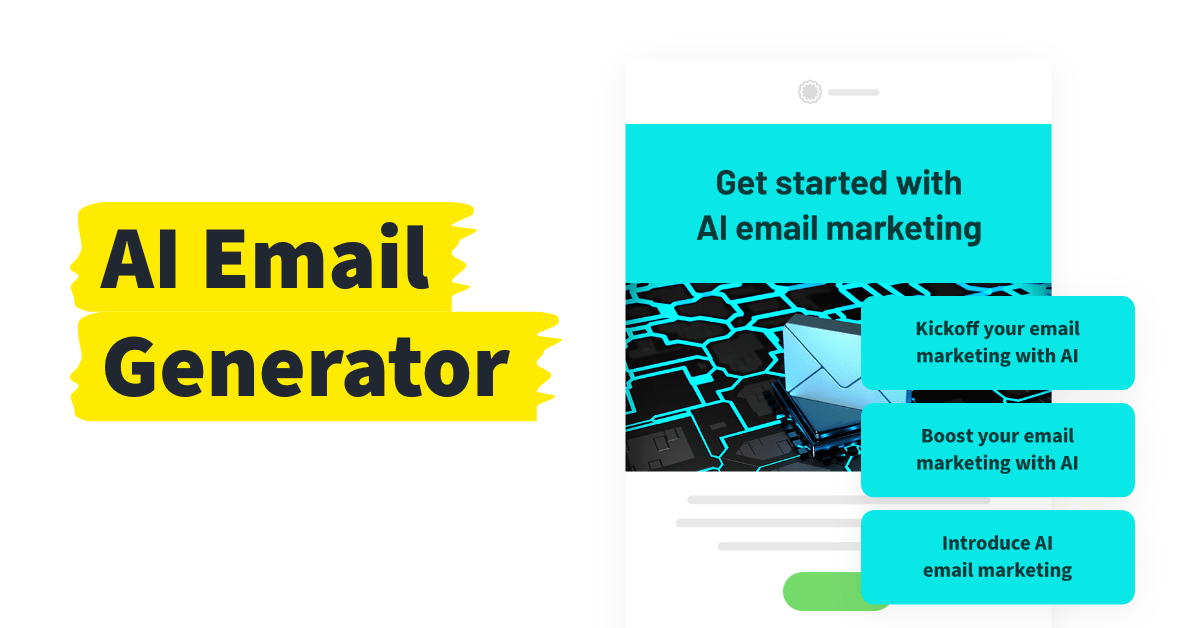
Generate complete email templates with subject lines and copy from keywords, industry selection, and tone preferences, then customize and send through the GetResponse platform.
About
AI Email Generator is a writing and copywriting tool built into GetResponse. It makes email drafts from short inputs. You skip the blank page.
You give it keywords, a tone, and layout choices. In seconds, you get subject lines, body copy, and a template. You edit from there.
It lives inside GetResponse paid plans. It is not a standalone app. You need the platform to use the tool.
Open it if you need fast email starts inside GetResponse. Skip it if you want standalone AI or work outside their system.
Who AI Email Generator is best for
It helps most when speed matters more than polish, and you already use GetResponse.
- GetResponse users who want faster email creation: You stop staring at blank templates. You get a full draft in seconds.
- Small businesses needing quick first drafts: You send more emails without hiring a copywriter.
- Users without strong copywriting skills: You get structure and tone options without starting from zero.
- Solo marketers juggling multiple roles: You handle design, copy, and send in one flow.
- Users who struggle with blank page syndrome: You get a concrete start to edit, not a creative void.
- Marketers who want subject line A/B testing: You generate variants and test without extra tools.
- Teams wanting consolidated marketing tools: You keep email, automation, and AI in one platform.
- Users without design skills: You get layout and color choices that look professional fast.
Best things about AI Email Generator
These are the parts you notice after using it a few times.
- Full email generation in one go: You get copy, layout, and a stock image together. No stitching pieces from different tools.
- Six tone options: You pick convincing, formal, inspirational, informative, friendly, or neutral. Your voice matches your brand without rewriting from scratch.
- Native GetResponse workflow: You edit immediately in their drag-and-drop editor. No copy-paste between apps.
- AI subject line variants: You create options for A/B testing without extra brainstorming.
- Speed on straightforward emails: You cut setup time for newsletters and promos. Complex campaigns still need your hand.
How you use AI Email Generator
The path is longer than the tool promises, but the generation itself is quick.
- Set up your GetResponse account and verify your details.
- Import contacts and choose your account path.
- Open the AI Email Generator and describe your goal with keywords.
- Select your business category, tone, layout, and color scheme.
- Review the generated email and edit in the visual editor before sending.
Why you should ignore it
Skip it when these limits block your work.
- Slow initial setup: You wait through account creation, verification, contact import, and path selection before touching AI.
- Only two AI layout options: You choose text-only or single-column. That is it.
- Generic output: You edit heavily for original voice. The AI writes clean but safe copy.
- GetResponse lock-in: You cannot use it without their platform. Export is not the point.
- Limited free generations: You get three AI emails on free plans. Paid plans unlock more.