
AI Aware
Free
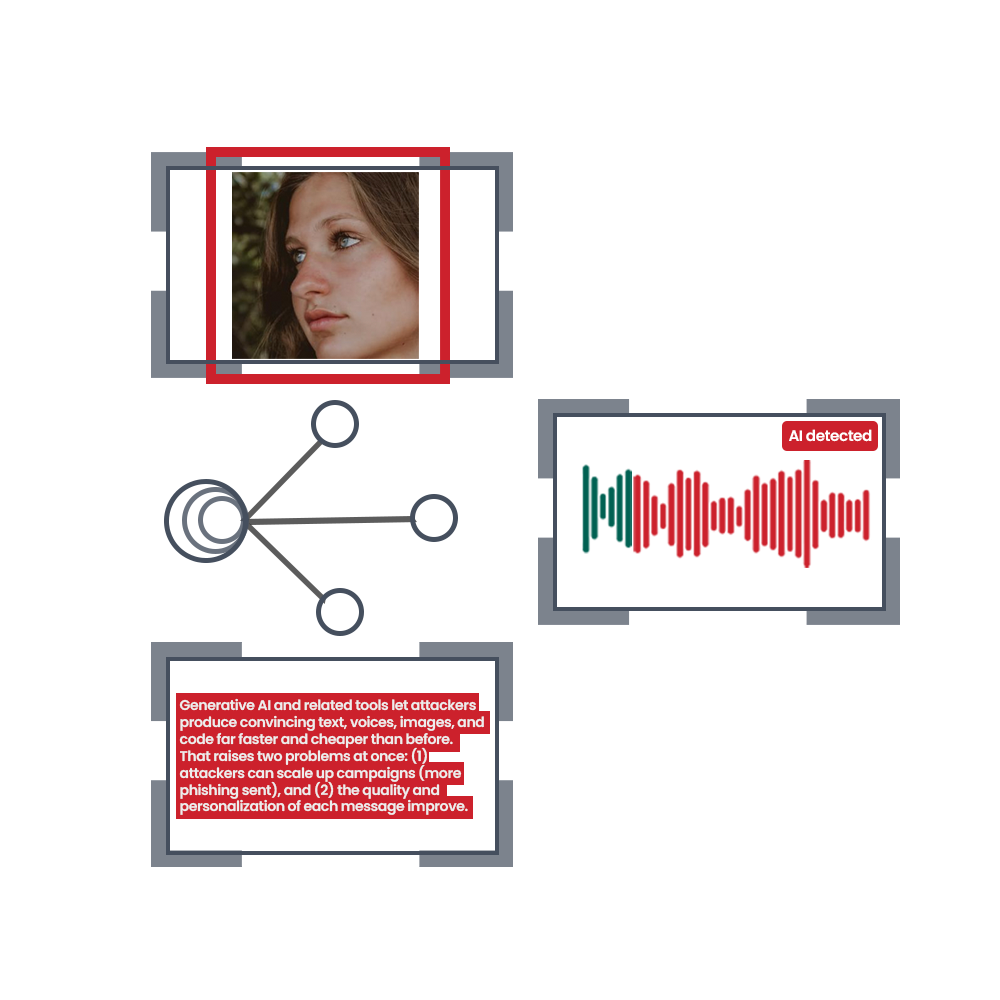
Detect AI-generated text, deepfake videos, AI images, and cloned audio through a unified platform, with confidence scores and visual analysis of flagged content.
About
AI Aware is a Data & Analytics tool that spots AI-generated content across text, video, images, and audio. You paste or upload what you need to check. It runs multiple detection models together and shows you where the AI fingerprints sit.
The output is a confidence score with paragraph-level detail. You see which parts look human-written and which carry the marks of tools like ChatGPT, Claude, Gemini, or Grok.
It is built for audit and verification work, not for casual browsing. The free tier exists. The paid side is vague.
Open it if you check content for a living and need more than a yes-or-no answer. Skip it if you want a proven accuracy rate or a simple price list.
Who AI Aware is best for
These are the jobs it actually handles.
- Universities validating student essays: You see sentence-level flags for AI text and masking attempts. Students can also pre-check their own work before submission.
- Publishers checking content authenticity: You get paragraph-by-paragraph breakdowns instead of blunt scores. This helps you decide what needs human review.
- Cybersecurity companies combatting AI voice social engineering: The audio detection looks for cloned speech patterns and spectral clues in voice samples.
- Government of Canada auditors and evaluators: A separate research tool searches 1,000+ historical audits and evaluations by department and risk theme.
- Webmail users on Chrome or Edge: The browser extension drops a "Trust Meter" inline when you read Gmail or Outlook web. You quarantine or block with one click.
- Android users comfortable with broad permissions: An overlay scanner checks incoming texts and links, though it is still experimental.
- People who want explanatory breakdowns: You get threat signals like urgency tactics and spoofed domains, not just red versus green.
- Organizations needing multi-format verification: One platform covers text, deepfake video, synthetic images, and cloned audio instead of four separate tools.
Best things about AI Aware
These parts stick after you use it.
- Paragraph-level granularity: You see exactly which sentences carry AI traces. This helps you talk to writers or students about specific sections.
- Ensemble detection approach: It runs multiple models together. When one AI generation technique evolves, the backup models still catch traces.
- Explainable confidence scores: You get calibrated numbers with reasoning, not a mysterious percentage. This builds trust in your own judgment.
- Helpful support explaining results: When something seems off, you can ask why and get an actual explanation of what the system saw.
- Human override: The browser extension lets you decide, not auto-blocks. You stay in control of what you open or reject.
How you use AI Aware
The flow depends on which piece you need.
- Pick your format: text, video, image, or audio.
- Upload your file or paste your content.
- Read the heat map or confidence breakdown.
- Check the paragraph-level scores to locate flagged sections.
- Decide your next step based on the labeled output.
Why you should ignore it
These limits matter.
- No published accuracy benchmarks: The 98% and 99% claims come from the company, not independent tests. You cannot verify them.
- No false-positive rate disclosed: Human writing sometimes flags as AI. You do not know how often this tool does that.
- iOS is manual only: You must copy and paste. Automatic protection is blocked by Apple, and the app tells you this plainly.
- Core browser features are waitlisted: GREENSCREEN, Guardian, Edge Mode, and ScrollSafe are not live yet.
- Desktop Outlook and native apps not covered: The extension only works in webmail. Native email clients get nothing.
- Crunchbase badges are not endorsements: The trust bar shows directory listings, not customer validation.